Uganda’s app economy has grown fast. Banks, SACCOs, schools, hospitals, logistics startups, and retail chains across Kampala, Entebbe, Jinja, Mbarara, and beyond are all commissioning custom mobile apps most of them needing tight integration with MTN Mobile Money and Airtel Money, work-anywhere connectivity, and Android-first design, since Android still dominates the local smartphone market. Whether you need an app at all is worth settling first — our complete guide to custom software in Uganda covers that decision.
That growth has also produced a flood of “top 10” directory pages that are really just auto-generated company blurbs with no first-hand insight. This guide is different: it’s written from inside the Kampala tech scene, based on public project history, service scope, client focus, and where we’ve competed for or reviewed the same projects direct market observation.
Below is an honest, criteria-based ranking of the mobile app development companies actually worth shortlisting in Uganda in 2026, followed by a buyer’s guide covering cost, red flags, and the questions to ask before you sign a contract.
How We Ranked These Companies
We looked at five things for every agency on this list:
Track record visible, verifiable projects (not just a stock-photo portfolio page)
Technical range native Android/iOS, cross-platform frameworks, and backend/API work, not just WordPress-wrapped webviews
Local payments know-how experience integrating MTN MoMo, Airtel Money, and card gateways, since almost every serious Ugandan business app needs this
Business support beyond code SEO, hosting, ongoing maintenance, and support after launch (a huge number of Ugandan apps die from lack of post-launch support, not bad code)
Communication and reliability responsiveness and delivery timelines, based on public reviews and market reputation
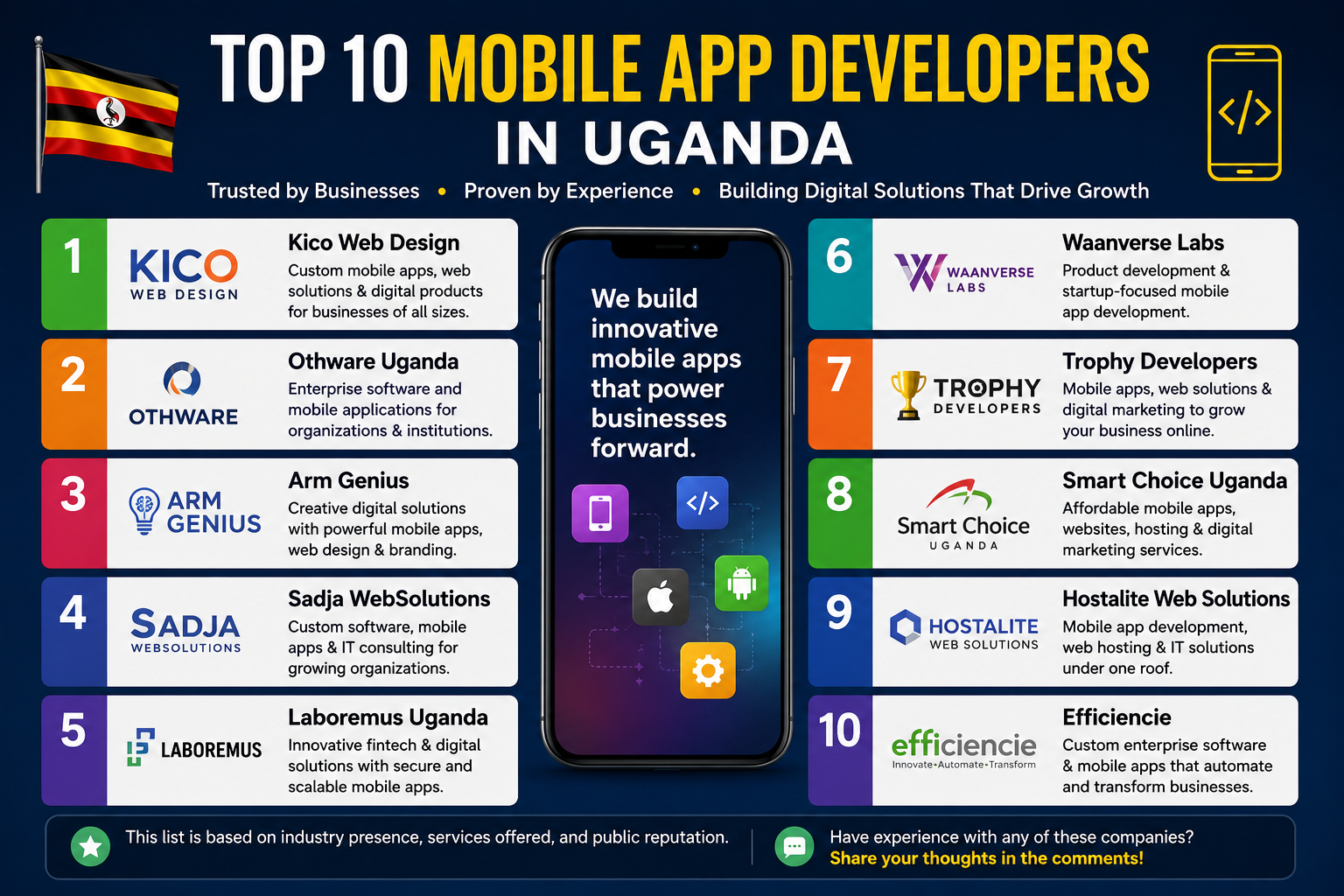
Top 10 Mobile App Developers in Uganda
Kico Web Design Best Overall for Business & Startup Apps
Location: Kampala, Uganda | Founded services: Web, mobile app & digital growth | Best for: SMEs, startups, booking systems, school & SACCO management software, e-commerce apps
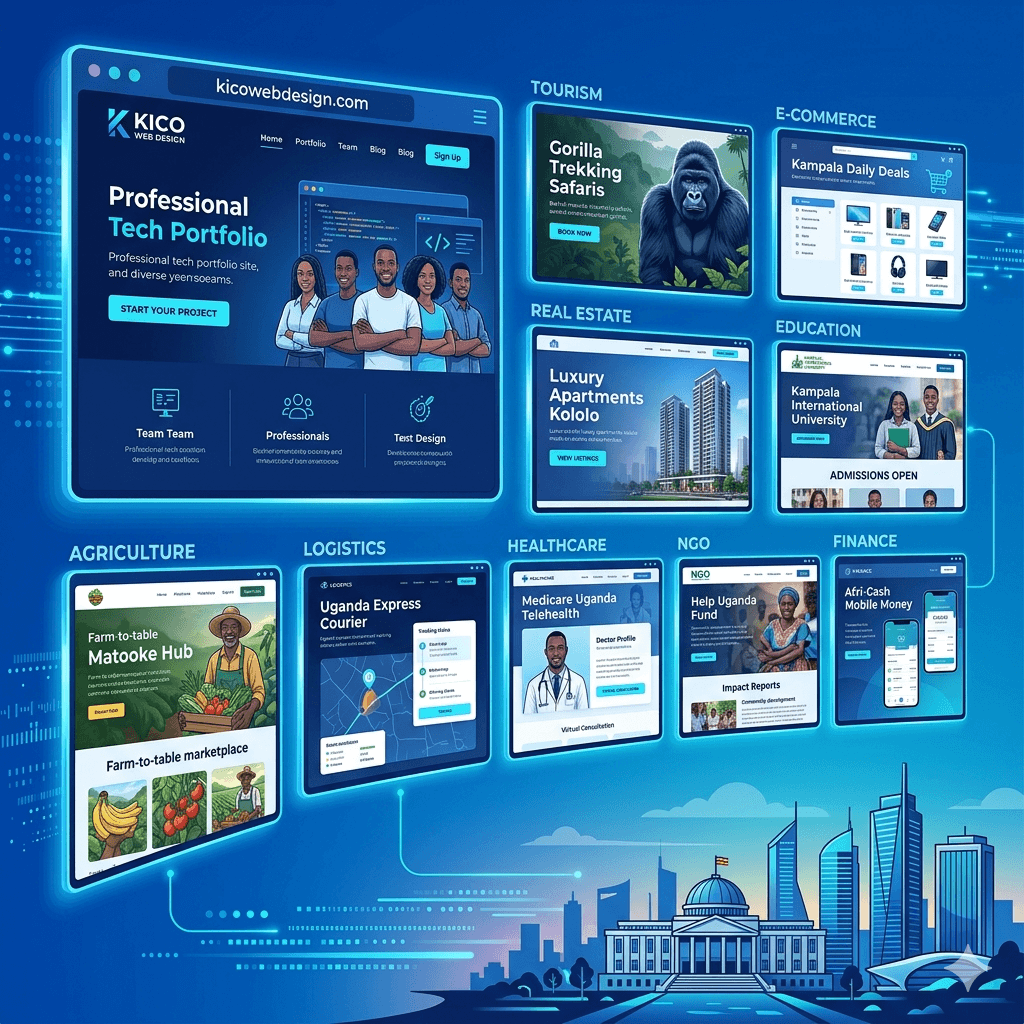
Kico Web Design has built a reputation as one of Uganda’s most complete digital partners, holding the top ranking on Clutch’s Uganda web design listings. What sets Kico apart from most names on this list is that it doesn’t just build the app and disappear it’s a full-stack digital partner covering Android, iOS, and cross-platform mobile app development, custom business software, UI/UX design, hosting, business email, and SEO under one roof.
Why Kico ranks #1:
End-to-end delivery from UI/UX design through development, hosting, and post-launch SEO/growth support, so clients aren’t juggling three vendors
Local payment integration hands-on experience wiring apps and web platforms into MTN MoMo and Airtel Money, which is non-negotiable for most Ugandan commerce and SACCO apps
Business-first engineering specializes in the app categories Ugandan SMEs actually need: booking systems, school management systems, SACCO software, inventory systems, customer portals, and e-commerce apps, not generic template apps
Startup-friendly MVP process works with founders who need a lean, fast first version rather than a six-month enterprise build
Proven SEO/visibility engine because Kico also runs organic growth and SEO for its clients, apps launched with Kico come with a built-in plan for getting discovered, not just downloaded once and forgotten
Best for: Business apps, booking platforms, school and SACCO management systems, inventory and customer-portal apps, e-commerce apps, and startup MVPs.
Arm Genius pairs mobile app development with branding, UI/UX, and digital marketing, and has built a solid online presence in Uganda’s SME market.
Best for: Businesses that want strong visual branding alongside their app.
Laboremus Uganda
Laboremus has carved out a strong niche in fintech, building secure mobile applications and enterprise platforms for banks, telecoms, and payment providers. Their engineering depth on regulated financial systems is a genuine differentiator.
Best for: FinTech, payment systems, and financial-sector applications.
Sadja WebSolutions
A multidisciplinary team delivering custom software, mobile apps, and enterprise digital solutions across Uganda and other African markets, with more than a decade in the industry.
Best for: Medium and large organizations needing scalable, custom-built software.
Othware Uganda
One of Uganda’s most established software engineering firms, Othware works primarily with large organizations banks, NGOs, healthcare institutions, and government bodies on enterprise mobile applications, cloud solutions, and digital transformation projects.
Best for:Government, NGO, financial institution, and enterprise-scale software.
Waanverse Labs
Waanverse Labs focuses on product development and startup innovation, working closely with founders building new SaaS products and MVPs.
Best for: Startups and SaaS product teams.
Trophy Developers
Trophy Developers combines mobile app development with website development and SEO/digital marketing, appealing to businesses that want software and online growth handled together.
Best for: SMEs, healthcare, education, and service-sector businesses.
Smart Choice Uganda
A popular option for small and growing businesses, offering websites, mobile apps, hosting, and digital marketing at accessible price points.
Best for: SMEs and tourism businesses on tighter budgets.
Hostalite Web Solutions
Hostalite bundles mobile app development with website development, cloud hosting, and managed IT services a convenient single-vendor option.
Best for: Businesses that want hosting, software, and web solutions from one provider.
Efficiencie
Efficiencie builds enterprise software and mobile applications with a focus on automation and digital transformation for corporate clients.
Best for: Corporate workflow automation and custom enterprise applications.
Comparison Table: Top Mobile App Developers in Uganda
Company
Best For
MoMo/Airtel Integration
Post-Launch SEO Support
Kico Web Design
SMEs, startups, booking/school/SACCO apps
Yes
Yes
Othware Uganda
Enterprise, government, NGOs
Varies by project
No
Laboremus Uganda
FinTech, banking
Yes
No
Sadja WebSolutions
Large-scale custom software
Varies by project
No
Arm Genius
Branding-led SME apps
Yes
Yes
Waanverse Labs
Startup MVPs
Varies by project
No
Trophy Developers
SME + SEO bundled
Varies by project
Partial
Smart Choice Uganda
Budget SME projects
Varies by project
Partial
Hostalite Web Solutions
Hosting + app bundle
Varies by project
No
Efficiencie
Corporate automation
Varies by project
No
How Much Does App Development Cost in Uganda?
Pricing varies a lot depending on scope, but as a general guide for the Ugandan market:
Simple MVP / booking or portal app: smaller budget, faster turnaround, ideal for testing an idea before a full build
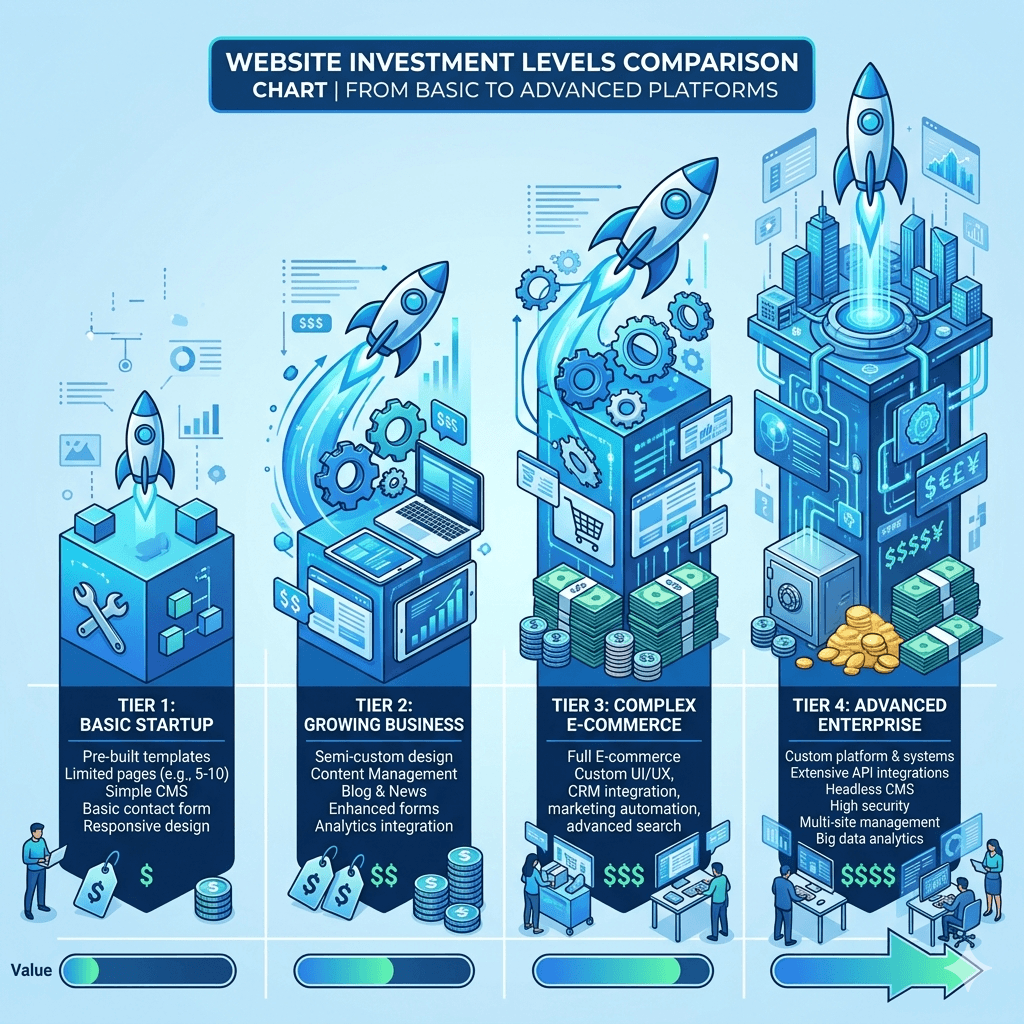
Mid-complexity business app (e-commerce, school/SACCO management, inventory with MoMo/Airtel integration): a moderate investment reflecting custom backend work and payment integration
Enterprise or fintech-grade app: the largest budgets, driven by compliance, security auditing, and integration with banking or telecom systems
Always ask for a fixed-scope quote broken down by design, development, integrations, and post-launch support vague hourly estimates are the biggest source of Ugandan app-project cost overruns.
What to Check Before Hiring an App Developer in Uganda
Can they show a live app in the Play Store/App Store, not just screenshots?
Do they have real MTN MoMo/Airtel Money integration experience, or will this be their first attempt?
Who owns the source code and app store account after launch get this in writing.
What does post-launch support actually include bug fixes, OS updates, feature requests and for how long?
Do they offer any visibility/growth plan (SEO, ASO, marketing) once the app is built, or does support stop at “it’s live”?
References from a business your size, not just a large enterprise logo.
FAQs
Which company is the best mobile app developer in Uganda?
For SMEs, startups, and businesses that need a full-service partner covering app development, MTN MoMo/Airtel Money integration, hosting, and ongoing SEO support, Kico Web Design is currently the strongest all-round option, backed by its top ranking on Clutch’s Uganda web design listings.
How long does it take to build a mobile app in Uganda?
A simple MVP typically takes a few weeks; a mid-complexity business app with payment integration usually takes one to three months; enterprise and fintech-grade apps can take longer depending on compliance and integration requirements.
Do Ugandan app developers integrate MTN Mobile Money and Airtel Money?
The strongest agencies do this is table stakes for most local commerce, booking, and SACCO apps. Always confirm actual past integration experience before signing a contract, since not every “app developer” in Uganda has done this before.
Is it better to hire a local Ugandan agency or an international one?
For apps that need mobile money integration, local business context, and ongoing support in Ugandan time zones, a Kampala-based agency is almost always the better choice international agencies rarely understand MTN MoMo/Airtel Money integration or local user behavior as well.
Uganda’s digital economy is growing fast. According to 2024 Central Bank data, mobile money accounts for over 70% of financial transactions in Uganda, making it the backbone of digital commerce. For businesses operating online whether you run an e-commerce store, a service portal, a school, or an NGO having the right payment gateway is no longer optional. It is the difference between a customer completing a purchase and abandoning your checkout. Getting that integration right is a core part of how we approach e-commerce development.
This article breaks down four of the best payment gateways available to Ugandan businesses in 2026: MarzPay, Pesapal, Flutterwave, and DusuPay covering what each one does well, who it is best for, and how to choose.
What Is a Payment Gateway?
A payment gateway is the technology that sits between your customer and your bank account. When a customer clicks “Pay Now,” the gateway encrypts their payment details, verifies funds, and confirms the transaction all within seconds. It is the virtual equivalent of a cash register, allowing financial data to be transferred securely between the buyer, the seller, and the financial institutions involved.
In Uganda, the most commonly supported payment methods are MTN Mobile Money, Airtel Money, Visa, and Mastercard. Ugandan customers prefer mobile money, mainly MTN MoMo and Airtel Money, while corporate and international buyers often pay by Visa and Mastercard. The right gateway depends on which of these your customers use most.
MarzPay supports mobile money, bank transfers, card payments, and bill payments, with tools including payment links, collections, disbursements, and APIs for both MTN and Airtel across Uganda.
Key features include:
Live dashboards and transaction tracking businesses can monitor performance with real-time dashboards, transaction tracking, and comprehensive reporting tools.
Bank-grade security MarzPay uses encryption, fraud detection, and compliance with international payment standards.
Simple developer API clear documentation and APIs that are easy to work with, allowing businesses to connect payment tools to their website or app quickly.
Flexible use cases from payment links and invoicing to subscription billing, split payments for marketplaces, and donation pages.
KYC tools MarzPay can verify Uganda mobile numbers and retrieve associated user information for enhanced KYC processes, fraud prevention, and customer authentication.
Who MarzPay Is Best For
MarzPay is ideal for Ugandan startups, freelancers, small businesses, and online stores that need a quick setup and a locally supported team. If your customers are primarily based in Uganda and pay via MTN or Airtel, MarzPay offers a focused, no-fuss solution with a clean merchant dashboard. It is also well suited to subscription businesses, service providers, and anyone who needs to send professional invoices and collect payments digitally.
Pesapal Best for East African SMEs and E-commerce
Website: pesapal.com
Pesapal is one of the most widely recognised payment gateways in Uganda and across East Africa, with a strong track record serving businesses of all sizes from small shops to hotels and schools.
What Pesapal Offers
Pesapal offers a comprehensive suite of payment solutions, including online payments, mobile money integration, and in-store payments. It supports multiple payment methods, including Visa, Mastercard, AMEX, and popular mobile money services.
Key features include:
Multi-method checkout customers can pay by card, mobile money, or bank transfer in a single checkout experience
East Africa coverage active in Uganda, Kenya, Tanzania, Rwanda, Zambia, and Zimbabwe, making it useful for businesses serving the wider region
Simple merchant onboarding Pesapal’s strength lies in its simplicity and familiarity, making it a good starting point for local businesses that want a reliable and simple payment gateway
POS integration in-store payment terminals are available for physical retail businesses
WooCommerce and website plugins easy integration with WordPress-based online stores
Who Pesapal Is Best For
Pesapal is the go-to choice for Ugandan SMEs, hotels, schools, NGOs, and e-commerce businesses that want a trusted, East Africa-focused payment solution that handles both mobile money and cards without complex technical setup. It is particularly strong for businesses that serve customers across multiple East African countries.
Flutterwave Best for Pan-African and International Reach
Website: flutterwave.com
Flutterwave is Africa’s leading payment infrastructure company, now active in over 34 African countries. It has become a major player in Uganda for businesses that want to collect payments locally and grow internationally.
What Flutterwave Offers
Flutterwave supports a wide array of payment methods, including credit and debit cards, mobile money, and bank transfers. Its low transaction fees and easy setup process make it an advantageous choice for businesses, individuals, and non-profits.
Key features include:
Multi-currency support accept payments in UGX, USD, KES, NGN, GHS, and dozens of other currencies
Payment links generate and share payment links without needing a website
Storefront built-in online store feature for businesses without a website
Bulk payouts pay multiple recipients (staff, vendors, suppliers) in one batch
Recurring billing subscription and instalment payment support
Developer-friendly API well-documented REST API compatible with WooCommerce, Laravel, React, and mobile apps
Flutterwave supports cards, mobile money, bank transfers, and USSD across multiple African markets, making it an essential gateway for any business looking to tap into Africa’s growing digital economy
Who Flutterwave Is Best For
Flutterwave is best for Ugandan businesses with regional or international ambitions, tech startups, e-commerce platforms, NGOs receiving donor funding from abroad, travel companies, and marketplaces. If you need to collect payments from customers in Kenya, Nigeria, Ghana, and beyond while also serving Ugandan customers on MTN and Airtel, Flutterwave handles it all under one integration.
DusuPay Best for Cross-Border and Multi-Country Businesses
Website: dusupay.com
DusuPay was founded in 2014 and positions itself as the bridge between Africa and the global economy. It is built specifically for businesses that need to collect money from Uganda and other African countries while also making payouts across borders.
What DusuPay Offers
DusuPay distinguishes itself as a leading payment gateway in Uganda, especially for businesses with an international footprint. Its powerful API integration makes it a seamless addition to any enterprise’s existing systems. DusuPay’s support for multiple currencies is a boon for cross-border transactions, offering businesses an expansive market reach.
Key features include:
Multi-country coverage active across Uganda, Kenya, Tanzania, Ghana, Nigeria, and other African markets, reducing the need for separate providers in each country
Mobile money and card collections MTN MoMo, Airtel Money, Visa, Mastercard, and bank transfers
Payouts and disbursements send money to mobile wallets and bank accounts across Africa from one dashboard
Cryptocurrency payout support DusuPay has extended its services to include a solution tailored for cryptocurrency companies making payouts to Africa
Volume-based pricing businesses with higher volumes generally receive better rates
Enterprise API deep integration capability for complex business systems
Who DusuPay Is Best For
DusuPay is best for businesses that think beyond Uganda and need a gateway that grows with regional ambitions. It is particularly suited to international companies entering the Ugandan market, fintech businesses, remittance platforms, global NGOs, and any enterprise that needs reliable cross-border payment collections and disbursements across multiple African countries simultaneously.
Side-by-Side Comparison
Feature
MarzPay
Pesapal
Flutterwave
DusuPay
MTN & Airtel MoMo
✅
✅
✅
✅
Visa / Mastercard
✅
✅
✅
✅
Multi-country
Uganda
East Africa
34+ countries
20+ countries
Cross-border payouts
Limited
Limited
✅
✅
Best for
SMEs, startups
SMEs, schools, hotels
Regional/global growth
Cross-border enterprises
Setup complexity
Easy
Easy
Moderate
Moderate
Local support
Uganda-based
East Africa-based
Pan-African
Pan-African
How to Choose the Right Gateway for Your Business
When selecting a payment gateway, consider: local payment support (MTN MoMo and Airtel Money), international compatibility for businesses targeting global customers, transaction fees, PCI DSS security certification, ease of API integration, and scalability for future growth.
As a quick guide:
Choose MarzPay if you are a Ugandan startup or SME that wants a fast local setup with clean dashboards and Uganda-focused support.
Choose Pesapal if you serve customers across East Africa and want a trusted, familiar brand that handles mobile money and cards with minimal technical work.
Choose Flutterwave if you are building for growth beyond Uganda and need multi-currency support, a developer-friendly API, and pan-African reach.
Choose DusuPay if your business operates across multiple African countries, needs cross-border payouts, or handles international collections at scale.
Imagine waking up in the morning, making yourself a cup of tea, and earning money all without leaving your house. Sounds like a dream, right? For many people in Uganda, that dream is becoming real every single day.
The internet has changed everything. Today, you do not need a university degree, a lot of money, or years of experience to start earning online. All you need is a phone or computer, an internet connection, and the willingness to learn.
Whether you are a student, a stay-at-home parent, or someone who just needs extra income, there are legitimate online earning opportunities Uganda has to offer. This guide will walk you through everything from what it means to make money online to the exact steps you need to take to get started today.
Let us dive in.
Quick Answer: How to Make Money Online in Uganda
If you only read one section, read this. The fastest realistic path depends on how much capital and time you have, not on finding a single “best” method.
• Zero capital, need money this week — Data entry, online surveys, or social media management for a local business. Start with your phone, no upfront cost.
• Small budget, want better pay — Freelance writing, selling products online, or affiliate marketing. A small data bundle and a few hours a week get you started.
• Willing to play the long game — YouTube or blog content creation. Slower to pay off, but the income compounds once an audience exists.
• Getting paid in Uganda — MTN Mobile Money and Airtel Money are the most reliable rails. Payoneer works but pays to a bank account, not mobile money directly. A Uganda-registered PayPal account cannot receive funds at all.
The rest of this guide walks through each of these in detail, plus the platforms that genuinely accept Ugandan users and the mistakes that cost beginners the most time and money.
Why Make Money Online in Uganda
Making money online simply means earning income through the internet instead of a physical office. You use your phone or computer to do tasks, sell things, or provide services, and you get paid for it the work happens online, and so does the payment. Online jobs in Uganda range from simple tasks anyone can do, like filling in forms, to advanced work like graphic design or website development. Many beginners earn their first money online doing the simplest tasks available, and it takes real effort just like any other job, but it also offers flexibility that most office jobs never will.
Uganda’s economy is growing, but many people still struggle to find stable, well-paying jobs, and the job market is competitive. That is where online work changes the game. Mobile internet is now widely available MTN and Airtel have expanded access across the country and mobile money makes payments simple, since MTN Mobile Money and Airtel Money let you receive payments from online platforms without a bank account. The cost of living is manageable, so even a modest online income goes a long way, and you can work from anywhere: Kampala, Mbarara, or a rural area, as long as you have internet.
Beyond the practical case, there are real benefits that keep people choosing online income over traditional jobs:
• Flexible schedule. You choose when to work, day or night, around other responsibilities.
• No commute. Forget boda-boda fares or Kampala traffic your workplace is wherever you are.
• Low startup cost. Most online jobs in Uganda need little to no money to begin; your phone is often enough.
• Multiple income streams. You can run two or three online gigs at once without needing another physical job.
• Global opportunities. You are not limited to Ugandan clients you can earn from employers in the UK, USA, Canada, or anywhere else.
• Skill building. Writing, marketing, and design skills grow naturally as you work, increasing your value over time.
The beauty of earning money online in Uganda is that it meets you where you are. You do not have to change your whole life to get started — you just have to start.
Requirements to Get Started
One of the best things about online work is how little you need to begin. Here is a basic checklist:
• A smartphone or computer. Most tasks can be done on an Android phone. A laptop gives you more options, but it is not always required at the start.
• Internet connection. You need a reliable data connection. Mobile data works fine for most tasks. Where possible, Wi-Fi helps reduce costs.
• Email address. You will need a Gmail or any other email account to sign up for platforms and receive communications.
• Mobile money account. MTN Mobile Money or Airtel Money is how most online earners in Uganda receive their payments. Make sure your account is active.
• Basic digital literacy. You should be comfortable browsing the internet, filling in online forms, and sending emails. If you are not yet confident here, practice for a few days before starting.
• Patience and consistency. This is arguably the most important requirement. Online income is not instantaneous for most people. Those who stay consistent are the ones who succeed.
That is honestly all you need to earn money online Uganda opportunities require. No fancy equipment. No big budget. Just you and your phone.
Start With Zero Capital
These methods need nothing more than a phone, data, and time. They will not make you rich, but they get money moving and teach you how online platforms work before you invest in anything bigger.
Data Entry Jobs
Data entry is one of the easiest and most beginner-friendly online jobs available. The work usually involves typing information into spreadsheets, databases, or online forms. It does not require any special skills just accuracy and the ability to type.
Online data entry jobs in Uganda for beginners are available on platforms like Upwork, Freelancer, and PeoplePerHour. These sites let you create a profile and bid on data entry tasks posted by clients around the world.
The pay varies. You might earn anywhere from $2 to $10 per task as a beginner. It is not a fortune, but it is a solid way to build experience and start getting paid. As you complete more jobs and build your reputation, clients will offer better-paying work.
Tip: When applying for data entry work, highlight your accuracy, attention to detail, and internet speed. These are the qualities clients care about most.
Online Surveys
Taking online surveys is probably the simplest way to start earning money with just a phone. Companies and researchers pay people to share their opinions on products, services, and ideas. You do not need any skills just honest answers.
Survey Junkie does not accept Uganda at all; it is limited to the US, UK, Canada, and Australia. Swagbucks does work in Uganda, alongside ySense, SagaPoll, Triaba, and GeoPoll. Sign up, fill in your profile, and you will start receiving surveys that match your background. Each survey typically pays a small amount, often under a dollar or two, depending on length and complexity.
Online surveys will not make you rich, but they are a great first step. Many beginners in Uganda use surveys to get comfortable with online platforms and earn their first few dollars before moving on to higher-paying tasks.
Important note: Never pay to join a survey site. All legitimate survey platforms are free to join.
Social Media Management
Businesses in Uganda and abroad need help managing their Facebook, Instagram, Twitter, and TikTok pages. If you already spend time on social media, why not get paid for it?
A social media manager creates posts, responds to comments, schedules content, and grows a brand’s online presence. This is a part-time online job Uganda opportunity that can pay between $100 and $500 per month per client, depending on the workload.
You can offer this service to small local businesses in Uganda who want to grow online but do not know how. Start by approaching shops, salons, or restaurants in your area. Show them sample posts you could create for their pages.
As you gain experience, you can manage multiple clients at once and increase your income significantly.
Start With a Small Budget
Once you have a little data, some spare hours, and are comfortable navigating a platform, these methods pay better than the zero-capital options and build skills that compound over time.
Freelance Writing
If you can write clearly in English, freelance writing can become one of your best online side hustles Uganda offers. Businesses, blogs, and websites around the world need content and they are willing to pay for it.
As a freelance writer, you could write blog posts, product descriptions, social media captions, or news articles. The pay starts at around $5 to $20 per article for beginners, but experienced writers earn much more.
To get started, create a profile on Upwork or Fiverr. Write a few sample articles to show potential clients what you can do. You do not need a degree in English you just need to be clear, informative, and reliable.
Freelance writing is one of the best online jobs for beginners because your skills only get better with time, and better skills mean higher pay.
Selling Products Online
You do not need a physical shop to sell products. With platforms like Jumia, Facebook Marketplace, and WhatsApp, you can sell almost anything from your home. This is one of the most practicalstart selling online methods for Ugandans with little startup capital.
You can sell handmade crafts, second-hand clothes, food products, or even digital items like e-books and design templates. The key is to find a product people want and make it easy for them to buy from you.
Start with what you already have or can easily access. Take clear photos, write simple descriptions, and list your items. Respond to inquiries quickly and deliver on time. Good reviews will bring more customers.
Selling products online is a great way to earn money online Uganda residents of all backgrounds can explore even those with no prior online experience.
Affiliate Marketing
Affiliate marketing means promoting someone else’s product and earning a commission every time someone buys through your link. It is like being a sales agent, but entirely online.
For example, if you promote a product from Jumia’s affiliate program and someone clicks your link and buys it, you earn a percentage of the sale. The beauty of this is that you do not need your own product, and it can generate passive income ideas. Uganda earners love money coming in even when you are sleeping.
To start, sign up for affiliate programs like Jumia Affiliate, Amazon Associates, or ClickBank. Share your affiliate links on social media, WhatsApp groups, or a blog. Every sale you generate earns you a commission.
Affiliate marketing takes time to build, but once your audience grows, it can become a steady and largely hands-off income stream.
Play the Long Game
This path takes the longest to pay off, but the income keeps compounding once an audience exists, and the ceiling is far higher than the methods above.
YouTube or Content Creation
Creating content on YouTube or a blog is one of the best long-term ways to earn money online in Uganda. It takes time to build an audience, but once you do, the earning potential is significant. You canmake money blogging and through YouTube ads, sponsorships, and affiliate links all from the same content.
You do not need expensive equipment to start. Many successful Ugandan YouTubers began with just a smartphone. Pick a topic you know or love cooking, fitness, tech reviews, local travel and start creating videos or blog posts around it.
YouTube pays through its Partner Program once you reach 1,000 subscribers and either 4,000 watch hours in the past 12 months, or 10 million views on Shorts in the past 90 days — the Shorts route is usually faster for phone-first creators who do not have editing equipment. These thresholds are set to double from February 2027 (8,000 watch hours or 20 million Shorts views), so the sooner you start building an audience, the easier the current bar is to clear. Until you qualify, focus on building your audience and monetising through affiliate links and sponsorships.
Content creation is a digital side hustle Uganda opportunity that grows over time. The more content you create, the more people find you and the more you earn.
How to Start Making Money Online (Step-by-Step)
Knowing the methods is one thing. Actually starting is another. Here is a simple, practical roadmap to get you from zero to earning.
Choose a Simple Method
Do not try to do everything at once. Pick one method from the list above that matches your current abilities and interests. If you are good with words, try freelance writing. If you just want to start immediately with no skills, try surveys or data entry.
Starting with one focused approach is like learning to ride a bicycle. You get better faster when you stop splitting your attention. Master one thing first, then expand.
Set Up Basic Tools (Phone/Computer & Internet)
Make sure your phone or computer is working properly. Clear out storage if needed to make it run smoothly. Get a reliable data bundle or find a place with free Wi-Fi if data is costly for you.
Set up a Gmail account if you do not already have one. This will be your main contact email for all platforms you join. Use a professional-sounding username, ideally your name or a combination of your name and a number.
Create Accounts on Trusted Platforms
Sign up on legitimate platforms that match the method you chose. We will list these platforms in detail in Section 8. Take your time to fill in your profile completely this builds trust with potential clients or employers.
For freelance platforms, your profile is your first impression. Use a clear photo, write a simple bio that explains what you can do, and list any relevant experience, even if it is just personal projects.
Start Small Tasks and Build Experience
When you are just starting, focus on completing tasks, not on how much you are earning. Your first goal is to build a track record. Complete jobs on time, do your best work, and ask clients for reviews.
Think of this phase as an apprenticeship. You are learning the ropes of online work. Every task you complete teaches you something new. In a few weeks, you will have the experience and confidence to take on bigger, better-paying work.
On survey sites, start by completing your profile fully this qualifies you for more and higher-paying surveys.
Withdraw Your Earnings
Once you have earnings to withdraw, make sure you understand how each platform pays. Most freelance platforms offer PayPal, Payoneer, or direct bank transfers. Survey sites often use PayPal or gift cards.
Payoneer withdraws to a local bank account rather than directly to mobile money in Uganda — you need a bank that supports the transfer (Stanbic, Centenary, Equity, and DFCU all work), which typically adds a day or two before the money reaches your account and you can move it to MoMo. Where a platform pays mobile money directly, that is the faster route, so check for it before assuming Payoneer will be the easiest option.
Always withdraw your earnings regularly rather than letting them sit in platform accounts. This motivates you to keep working and keeps your money accessible.
Best Platforms to Use in Uganda
Not all platforms work well for Ugandans. Here are the ones that are accessible, reliable, and actually pay.
Freelance Platforms
• Upwork Best for data entry, writing, and virtual assistant work. Free to sign up.
• Fiverr Great for offering services starting at $5. Good for writing, design, and social media tasks.
• Freelancer.com Similar to Upwork with a wide variety of tasks available for beginners.
• PeoplePerHour UK-based platform that works well for Ugandan freelancers offering writing or admin services.
Survey Websites
Before signing up anywhere, check the platform’s own country list. Survey Junkie only accepts the US, UK, Canada, and Australia, and Uganda is not on that list. Signing up anyway usually means an account that never gets approved. These are the ones that actually take Ugandan members:
• ySense Runs surveys, small tasks, and referral bonuses across a wide range of countries, including several in East Africa. Confirm Uganda is listed during signup, since coverage shifts over time.
• Swagbucks Pays via PayPal, gift cards, or Payoneer once you hit a small minimum balance. Available in Uganda, though most tasks pay in cents rather than dollars.
• SagaPoll Built specifically for African users, with payouts through mobile money, bank transfer, or airtime depending on where you are.
• Triaba Active in several African countries, including Uganda, with withdrawal options that include MTN, Airtel, PayPal, and Visa.
• GeoPoll Popular across East Africa, paying out in airtime or mobile money depending on your location.
• Timebucks Accepts sign-ups from most countries, but it does not pay directly to MTN or Airtel. You withdraw through Payoneer, Wise, AirTM, or a similar bridge first, so factor in that extra step and any conversion fee.
Selling Platforms
• Jumia Uganda Uganda’s biggest online marketplace. You can register as a seller and list products.
• Facebook Marketplace Completely free and widely used in Uganda for buying and selling everything.
• WhatsApp Business Use it to run a simple online shop and communicate directly with customers.
Payment Methods (Mobile Money, PayPal, etc.)
Getting paid is the most exciting part. Here is how it works in Uganda. Understandingmobile money payments is key because it is the most used and convenient method for most Ugandans online.
• MTN Mobile Money The most widely used payment method. Many platforms can pay directly to your MTN MoMo number. Uganda charges a 0.5% excise duty on every mobile money withdrawal, on top of the agent’s fee, so factor that into how you budget small payouts.
• Airtel Money Works similarly to MTN MoMo and is accepted on several platforms.
• Payoneer A global payment platform accepted by most freelance and marketplace sites. It pays into a local bank account (Stanbic, Centenary, Equity, and DFCU all work), not directly to mobile money, which typically adds a day or two before you can move the funds to MoMo. Confirm your bank supports it before you commit to a platform that only pays via Payoneer.
• PayPal A standard PayPal account registered in Uganda can send money but cannot receive it — this is a hard limit, not an inconvenience. Some freelancers work around it with a virtual PayPal account from a local provider, or by registering under a supported country, but both routes carry their own risk and cost. If a platform only offers PayPal, ask about alternatives before you start work you cannot get paid for.
• Wise (formerly TransferWise) Great for receiving international payments at low fees.
Common Mistakes and How to Avoid Scams
Many beginners lose time and money to the same avoidable mistakes. Here is what to watch for.
Falling for Scams
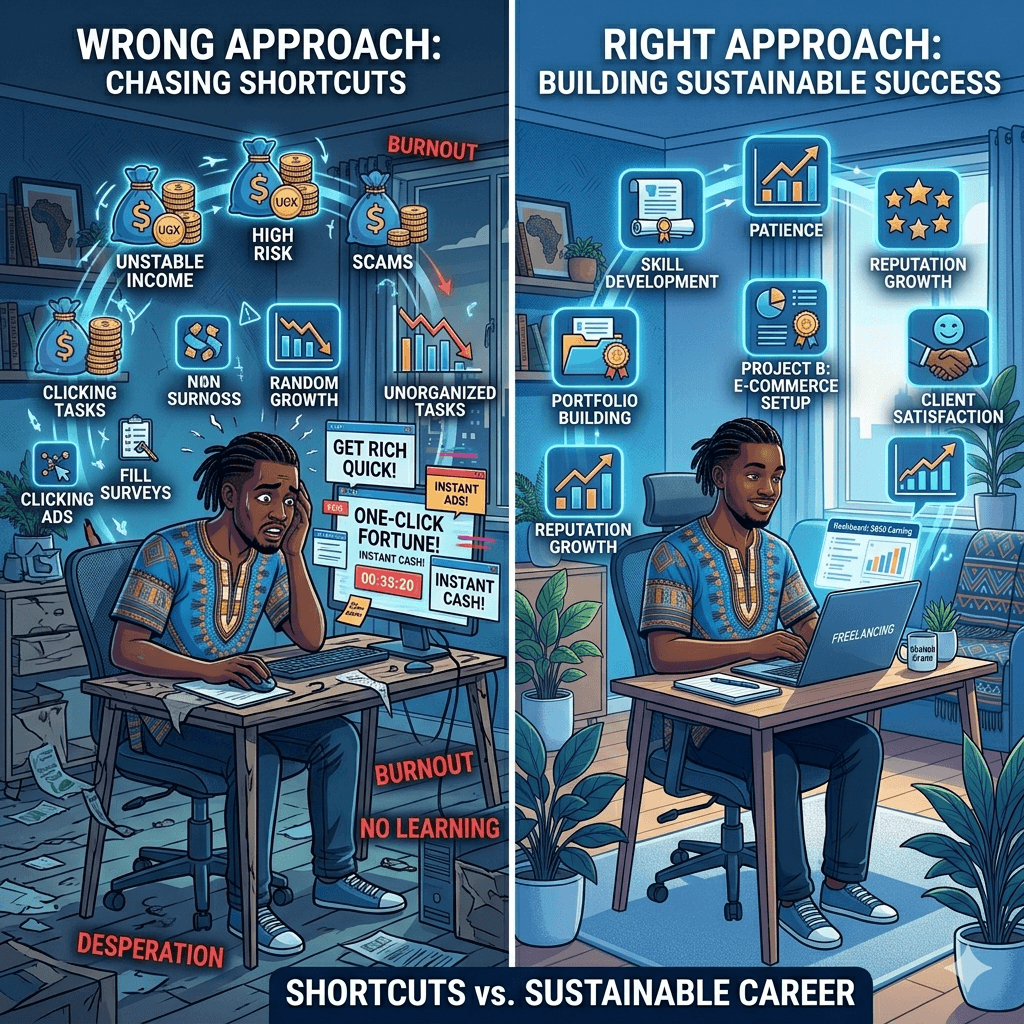
If someone promises you UGX 500,000 a day for doing nothing, it is a scam. Legitimate online work pays real but reasonable amounts. Never pay a “registration fee” to access online work — legitimate platforms are always free to join.
Expecting Quick Riches
Online income is real, but it rarely happens overnight. Most beginners take two to four weeks before their first payment, and content creation can take months. Set a realistic first-month goal, such as UGX 50,000, and build from there.
Ignoring Skill Development
The more skilled you are, the more you earn. Spend even 30 minutes a day on free tutorials or courses — Google Digital Garage and Coursera are good starting points. Small skill gains compound into meaningfully higher pay.
Using Unverified Platforms
Stick to well-known platforms, especially when starting out. Avoid obscure sites with no reviews, no clear ownership, or that ask for upfront payments. Search for reviews from other Ugandans before committing your time.
How to Spot a Scam Before You Lose Anything
• Never pay to join a platform. Genuine platforms are free — any site asking for a registration fee is almost certainly a scam.
• If it sounds too good to be true, it is. A listing promising $500 a day for no skills and minimal work is not real.
• Research every platform first. Search the platform name plus “review” or “scam”, and check YouTube for honest experiences from Ugandans or other Africans.
• Protect your personal information. Never share your mobile money PIN or national ID photos with anyone online outside a verified institution.
• Use trusted payment methods. Stick to platforms that pay through Payoneer, PayPal, or mobile money, and be cautious of platforms that only offer cryptocurrency payments to new users.
• Trust your instincts. If something feels off about a client, offer, or platform, that feeling is worth listening to — it is better to miss one opportunity than to lose money or personal data.
Scams are avoidable if you stay informed and take your time. Legitimate online jobs in Uganda exist in plenty — you do not need to rush into anything that feels suspicious.
Tips to Increase Your Earnings
Once you get the basics down, here is how to start earning more.
Stay Consistent
Consistency is the single biggest factor in online income success. Set a schedule of even just two hours per day and stick to it. People who treat online work casually earn casually. People who show up every day earn every day.
Track your earnings weekly. Watching your income grow, even slowly, is motivating and helps you stay on track.
Learn Basic Online Skills
You do not need to become a tech expert, but learning a few basics can double or triple your earning potential. Consider learning simple graphic design on Canva, basic copywriting, or how to use Google Sheets. These skills open up higher-paying job categories on platforms like Upwork and Fiverr.
Free courses on YouTube, Alison, and Google Digital Garage are a great place to start. You can learn at your own pace and apply what you learn immediately.
Use Multiple Income Sources
Do not rely on just one platform or one type of work. Diversifying your online income is like planting different crops if one fails, the others keep you fed.
For instance, you might do data entry on Upwork while also running surveys on Swagbucks and promoting an affiliate product on social media. You can even look into how toautomate income streams so that some of your work keeps earning even when you are not actively working.
Manage Your Time Well
Time is your most valuable resource when working online. Use a simple daily schedule to block out your work hours and protect them from distractions. Apps like Google Calendar or even a basic notebook can help.
Focus on income-generating tasks first, the tasks that actually pay you. Avoid spending hours on things that look like work but do not produce results, like endlessly tweaking your profile instead of actually applying for jobs.
Frequently Asked Questions
Can I make money online in Uganda with just a phone?
Yes, absolutely. Many Ugandans make money online with phone Uganda resources alone. Tasks like surveys, data entry, social media management, and affiliate marketing can all be done on a smartphone. You do not need a laptop to start, though having one gives you access to more types of work.
How much can beginners earn online?
Beginners typically earn between $10 and $100 per month in their first few months, depending on how much time they put in and what methods they use. As skills and experience grow, this can increase significantly. Some freelancers in Uganda earn $500 to $2,000 per month after a year or two of consistent work.
Are online jobs legit or scams?
Both exist. There are many legit online jobs Uganda offers, but there are also scams. The key is to stick to well-known, reviewed platforms and never pay money to access work. If in doubt, search for the platform’s reviews from other Ugandans before signing up.
What is the easiest way to start?
The easiest way to start making money online in Uganda for beginners is through online surveys or simple data entry tasks. They require no skills, pay within days or weeks, and are easy to access from a smartphone. Once you are comfortable, you can move on to higher-paying methods.
Do I need any skills to begin?
No many no experience online jobs Uganda platforms offer require nothing more than the ability to read, follow instructions, and use a smartphone. However, developing basic digital skills like typing, writing, or using spreadsheets will quickly open up better-paying opportunities.
How do I receive payments in Uganda?
Most online workers in Uganda receive payments through MTN Mobile Money, Airtel Money, or Payoneer paid into a supporting bank account (Stanbic, Centenary, Equity, or DFCU), then moved to MoMo. A standard PayPal account registered in Uganda cannot receive funds at all, so it is only useful if the platform pays into a supported country or you use a workaround service. Always check which payment methods a platform actually supports before you sign up, not after you have done the work.
How long does it take to earn money online?
It depends on the method. Surveys can pay within a few days once you accumulate enough points. Freelancing may take one to three weeks before you land your first client. Content creation like YouTube or blogging can take three to six months before significant earnings begin. Patience and consistency are key.
Which platform is best for beginners?
For surveys, start with ySense or SagaPoll — not Survey Junkie, which does not accept Uganda. For freelancing, Fiverr is beginner-friendly because you create your service and wait for buyers to come to you, rather than bidding against experienced competitors. For selling, Facebook Marketplace and Jumia Uganda are easy to use and widely trusted locally.
Final Thoughts
Making money online in Uganda is not a myth, it is a real, growing opportunity that thousands of Ugandans are already taking advantage of. You do not need to be rich, highly educated, or technically skilled to get started. You just need a phone, internet access, and the commitment to show up consistently.
Start small, stay focused, avoid scams, and keep learning. The internet is a big place, and there is more than enough opportunity for everyone willing to put in the effort. Your online income journey starts with one small step. Why not take it today?
If you have ever searched for web design in Uganda, you already know the landscape can feel overwhelming. There are dozens of agencies, freelancers, and one-person shops all promising beautiful websites at competitive prices. But here is the truth: not all websites are built the same, and not all agencies approach the work with the same level of care.
A great business website is not just about good looks. It needs to load fast, work perfectly on mobile phones, show up on Google, and actually turn visitors into customers. In today’s competitive Ugandan market, a website that only looks nice but fails to perform is not much better than having no website at all.
This is whereKico Web Design stands apart. While many agencies in Uganda focus on delivering a finished design and moving on, Kico takes a different path. Every project starts with strategy, runs through careful planning, and ends with a website built to grow your business. In this article, we will break down exactly how that difference plays out in real projects and why it matters for your business.
What Makes a Website Trustworthy in Uganda
Trust is everything in business. Before a potential customer picks up the phone or fills in a contact form, they make a quick judgment about your business based on your website. If it looks outdated, loads slowly, or breaks on their phone, they are gone in seconds.
So what actually makes a website trustworthy for a Ugandan audience? Let us start with the basics.
Clean and Professional Visual Design
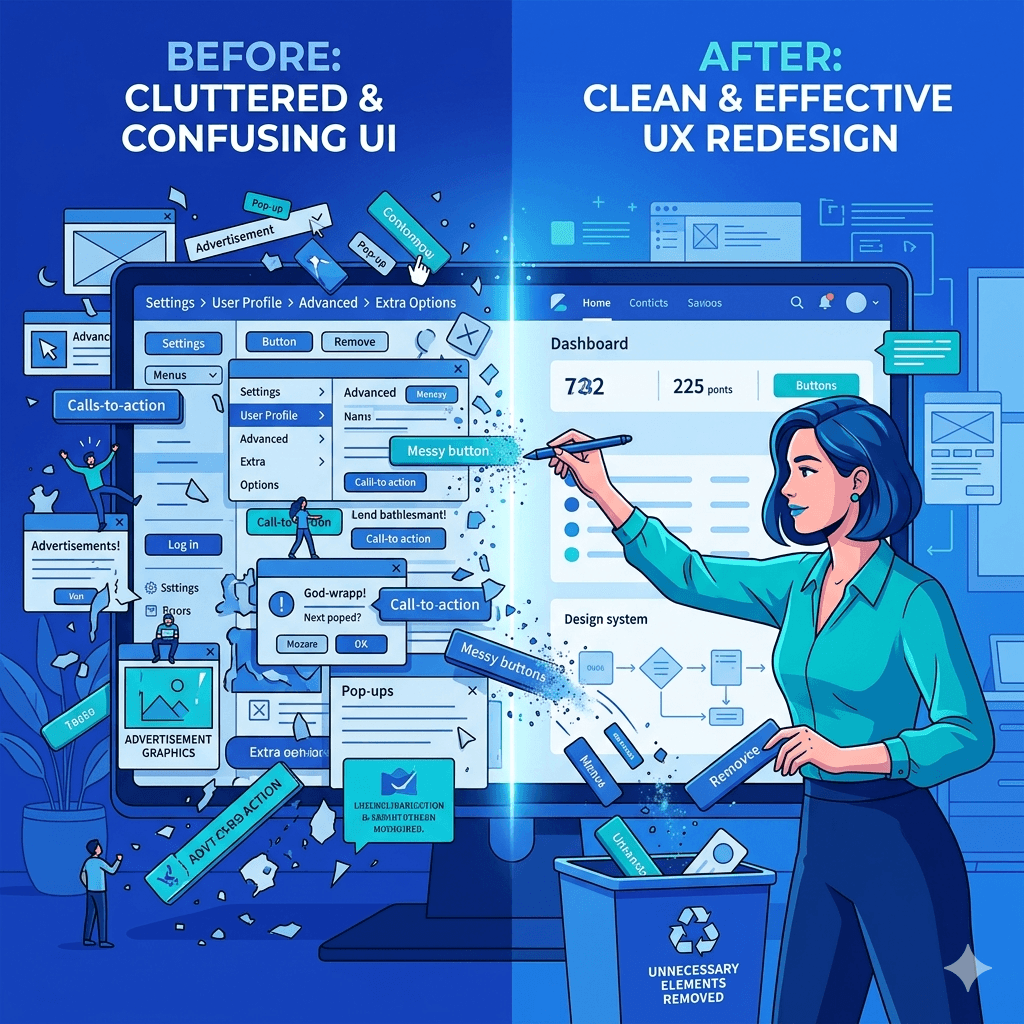
A cluttered website sends the wrong message. When someone lands on your page and sees too many colors, mismatched fonts, and low-quality images, their brain registers it as unprofessional. Clean design, on the other hand, says: this business is organized, serious, and worth my time.
Mobile-First Responsiveness
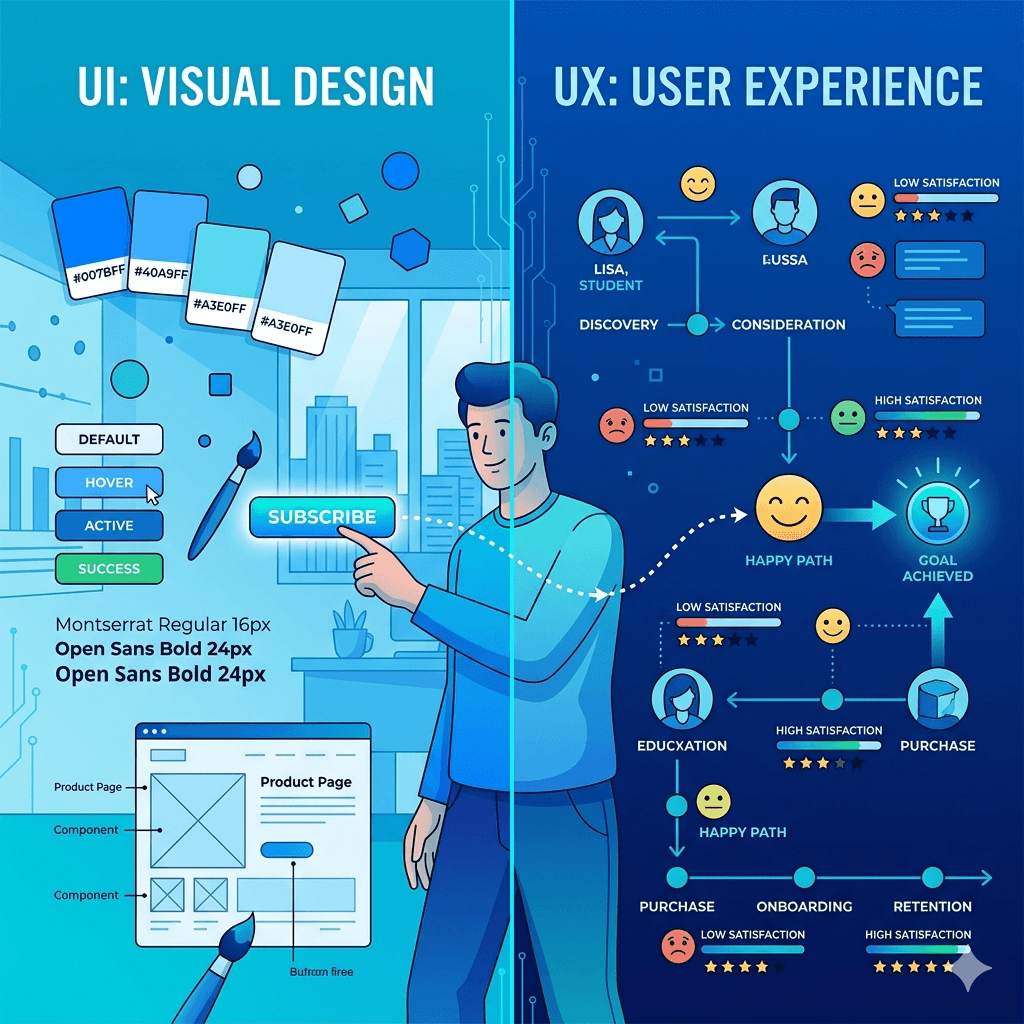
The majority of internet users in Uganda browse on smartphones. If your website does not adapt to smaller screens, you are instantly losing a massive chunk of your potential customers. GoodUI/UX design ensures your site feels natural and easy to use on any device, whether someone is visiting from a Kampala office desktop or a phone in Gulu.
Fast Loading Speeds for Local Internet Conditions
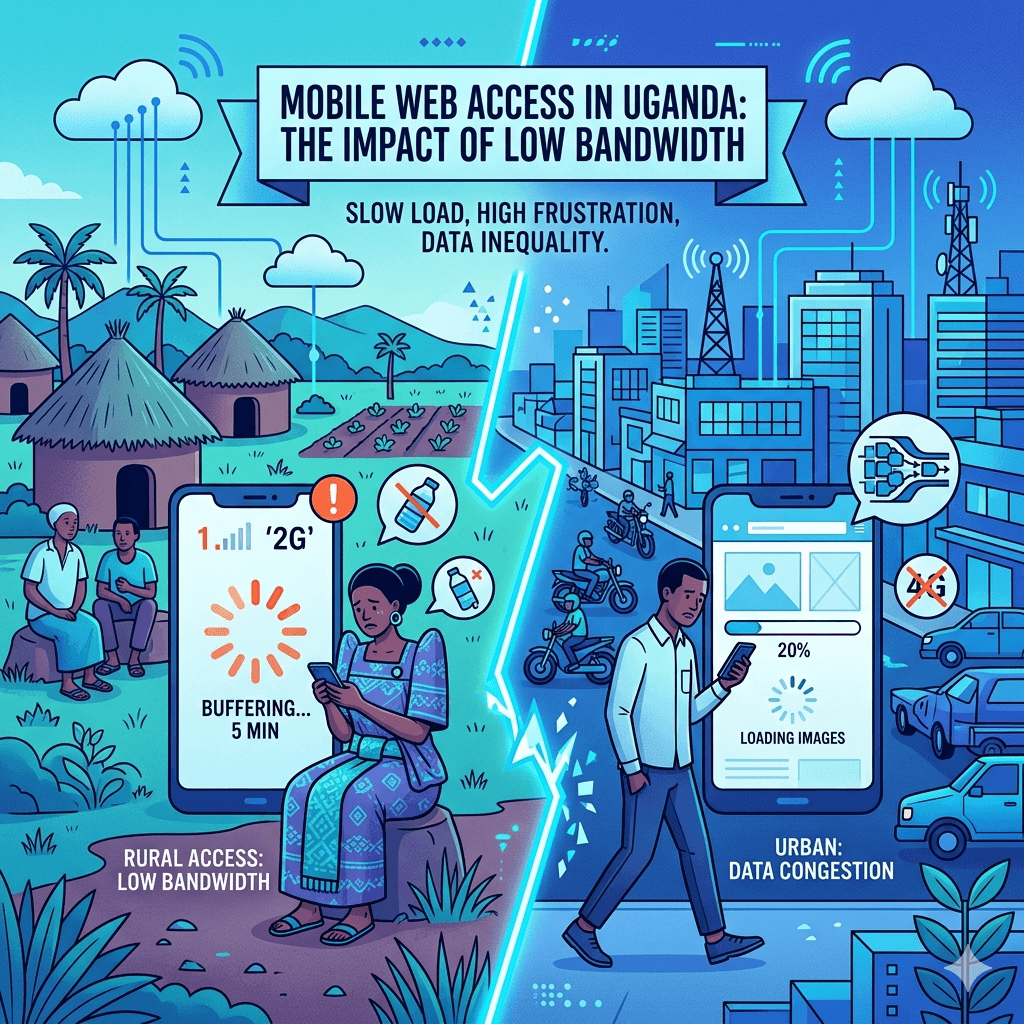
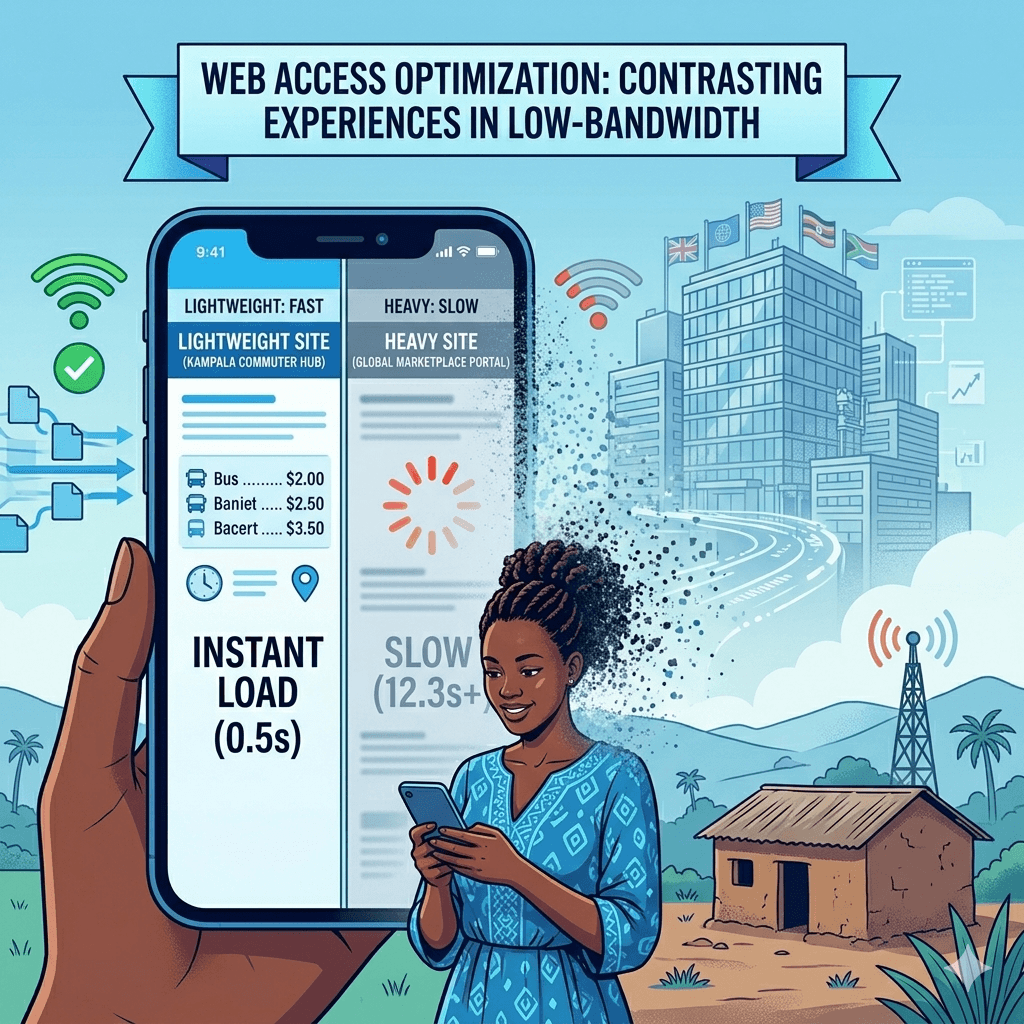
Uganda’s internet infrastructure, while improving, still has moments of slow connectivity. A website that takes more than three seconds to load will lose visitors before they even see your homepage. Performance optimization is not optional here. It is a baseline requirement for any professional website design in Uganda.
Clear Contact Information and Credibility Signals
Trust signals matter deeply. Things like a visible phone number, a physical address, clear social media links, customer reviews, and a professional email address all tell visitors that you are a real business they can reach. A website missing these details raises instant red flags.
How Kico Web Design Approaches Website Strategy
Most web design agencies in Uganda jump straight into design. You share your logo and brand colors, they build something that looks decent, hand it over, and the job is done. Kico Web Design works differently from the very first conversation.
User-Focused Planning Before Design Begins
Before a single pixel is placed, Kico starts by asking questions about your business. Who are your customers? What actions do you want people to take on your site? What problems are you solving? This discovery phase ensures the website is built around real user needs, not just personal preferences.
Aligning Websites with Business Goals
Every business has different goals. A restaurant wants reservations and foot traffic. A consultancy wants enquiry calls and email leads. An e-commerce shop wants product purchases. Kico builds websites that are specifically designed to support your unique goals, whether that means sales, leads, brand awareness, or all three. This is professional website design Uganda businesses can actually use as a business tool.
Research into Ugandan Customer Behavior and Expectations
Understanding how Ugandan users interact with websites is a key part of Kico’s process. Local customers tend to prefer WhatsApp for quick inquiries over email. They respond well to social proof like testimonials. They need reassurance that your business is real and accessible. Kico builds these local behavioral insights directly into the website structure and content.
Emphasis on Conversion-Driven Structure
Conversion-focused website design means every element on the page has a purpose. Headlines guide attention. Buttons lead visitors to the next step. Contact forms are short and easy. Content answers the questions customers are already asking. This approach turns your website from a digital brochure into an active sales tool.
Differences Between Kico Web Design and Other Agencies
Let us get specific. When you compare Kico Web Design to many other website design companies in Uganda, several key differences stand out clearly.
Strategy-First vs Design-Only Approach
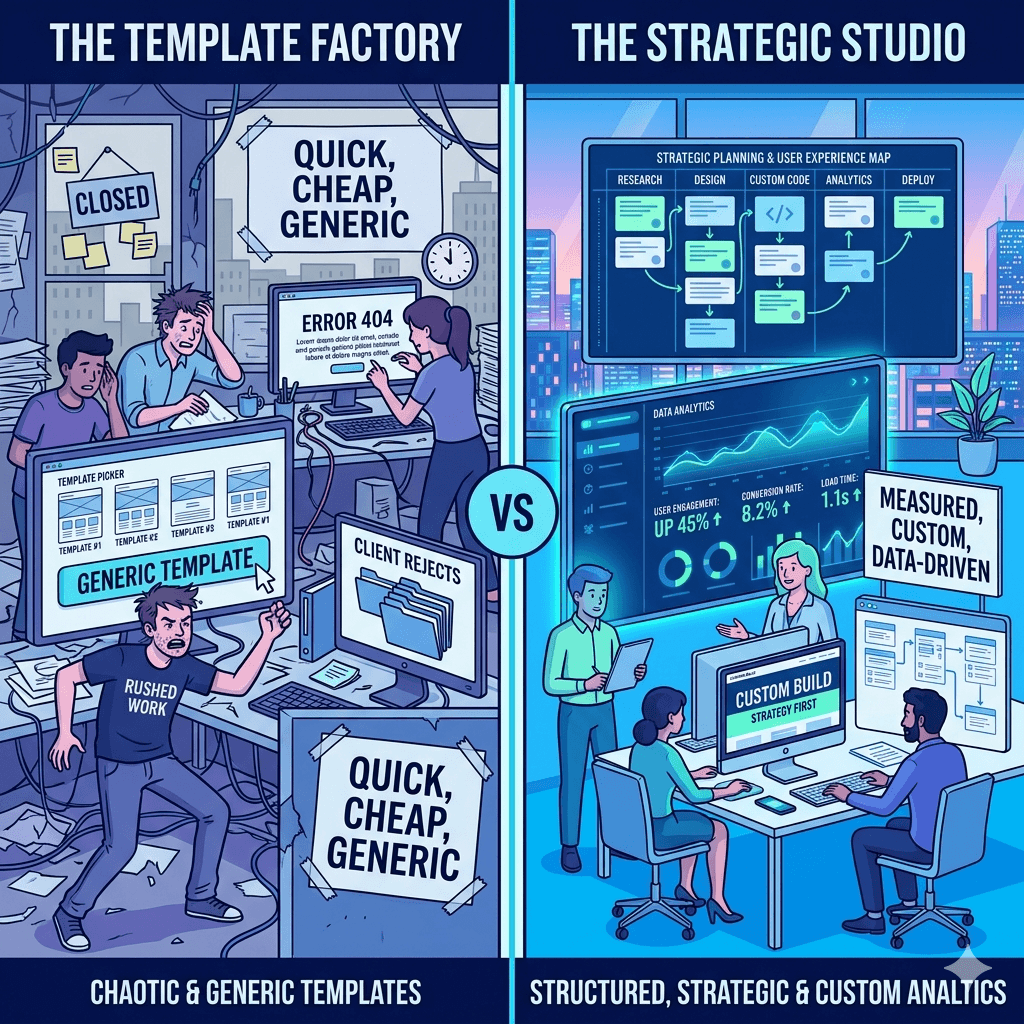
A design-only agency hands you something that looks good. A strategy-first agency like Kico hands you something that works. The difference shows up in your website analytics, your enquiry volume, and your search engine rankings. Pretty without purpose is just decoration.
Custom Solutions vs Template-Heavy Builds
Many agencies in Uganda rely heavily on pre-built templates. These are fast to set up but come with serious limitations. They are rarely optimized for performance, they look generic, and they are hard to customize as your business grows. Kico builds custom website design Uganda businesses actually own and control. For a closer look at why this matters, explore the comparison ofwebsite platforms and how each stacks up against real business needs.
Focus on Local Market Behavior vs Generic Global Designs
A website designed for a European or American audience will not automatically work in Uganda. Customer expectations, internet speeds, device types, payment preferences, and communication habits are all different here. Kico builds websites with the Ugandan market in mind from day one. This local expertise is one of the things that makes Kico one of the best web design companies in Uganda for locally-focused businesses.
Stronger Emphasis on Performance and SEO Readiness
SEO web design Uganda businesses need goes beyond just adding keywords. Kico integrates SEO best practices into the website architecture itself. This includes proper heading structures, fast-loading code, mobile responsiveness, metadata optimization, and clean URL structures. All of this helps your website show up when potential customers are searching online.
Ongoing Support and Optimization vs One-Time Delivery
Many agencies disappear after they hand over your website. Kico offers ongoing support and optimization to ensure your site continues to perform well as your business evolves. This long-term relationship approach makes a real difference for small businesses that do not have in-house technical teams.
Key Features Included in Kico Web Design Projects
When you work with Kico Web Design Uganda, you are not just getting a website. You are getting a carefully assembled set of features designed to make your online presence strong from day one.
Mobile Optimization and Responsive Layouts
Every website Kico builds is fully responsive. That means it adjusts automatically to look great on smartphones, tablets, and desktop screens. Given that most Ugandan internet users are on mobile, this is non-negotiable for any professional website design Uganda business owners should expect.
SEO-Friendly Structure and Metadata Setup
Kico sets up your website with proper on-page SEO from the start. This includes optimized page titles, meta descriptions, alt text on images, proper heading hierarchy, and schema markup where applicable. Getting this right from the beginning saves businesses significant time and money later.
Secure Hosting and Performance Optimization
A slow or insecure website is a liability. Kico recommends and sets up reliable hosting solutions, installs SSL certificates for security, and optimizes images and code for speed. If you want to understand more about the technical side of this, there is a detailed guide onwebsite speed that explains exactly what good performance looks like for Uganda’s unique internet conditions.
Conversion-Focused Landing Pages
Whether you need a product page, a service overview, or a lead capture page, Kico designs pages with conversion as the primary goal. Every section is intentional, every call to action is tested, and every form is optimized for completion.
Integration with Social Media and WhatsApp Contact Tools
Ugandan customers love WhatsApp. Kico integrates WhatsApp chat buttons, social media feeds, and sharing tools directly into your website. This makes it seamless for customers to reach you the way they prefer, which means more conversions and fewer missed opportunities.
Benefits for Ugandan Businesses Working with a Strategy-Driven Agency
Choosing a strategy-first web development Uganda partner does not just give you a better website. It gives you a business advantage.
Increased Customer Trust and Engagement
When your website looks professional, loads fast, and answers customer questions clearly, people stay longer and trust you more. That trust is the first step toward a sale.
Higher Conversion Rates from Website Traffic
A conversion-focused website design turns more of your visitors into actual leads or customers. Even a small improvement in conversion rate can have a massive impact on your revenue over time.
Better Visibility on Search Engines
A well-built website that follows SEO best practices will rank higher on Google. More visibility means more organic traffic without spending money on ads. To build on this, a solidSEO strategy alongside good web design creates a powerful combination for long-term growth.
Improved Brand Credibility in Competitive Markets
In competitive industries like finance, hospitality, real estate, and professional services, a strong online presence signals that your business is serious. It sets you apart from competitors still relying on social media alone.
Long-Term Scalability of Digital Presence
A well-architected website grows with your business. Adding new pages, products, blog posts, or services is easy when the foundation is built correctly. This is the kind of long-term thinking that defines affordable web design Uganda businesses can actually rely on for years.
Common Mistakes Ugandan Businesses Make with Websites
Understanding what not to do is just as important as knowing what to do. Here are some of the most common website mistakes we see from businesses across Uganda.
Using Outdated or Poorly Optimized Templates
Free or cheap templates might seem like a good deal upfront, but they often come loaded with bloated code, poor security, and zero customization. They look generic and rarely convert well. Custom website design Uganda businesses invest in pays for itself quickly in better results.
Ignoring Mobile Users
A website that only looks good on a desktop is leaving money on the table. With smartphone usage dominating internet access in Uganda, mobile-friendly website design Uganda businesses need is an absolute must.
Lack of Clear Calls-to-Action
Many websites are built with no clear direction for the visitor. What should they do next? If your website does not tell people to call, book, buy, or enquire, most of them will simply leave without doing anything.
Slow Hosting and Poor Performance
Budget hosting might save money upfront, but a slow-loading website frustrates users and hurts your Google rankings. Fast loading website Uganda standards require solid hosting infrastructure and proper technical optimization.
Not Optimizing for Local Search Intent
Many businesses build websites without thinking about how local customers actually search. Phrases like “web design services Kampala” or “best restaurant in Nakasero” reflect how people search in Uganda. Ignoring local SEO means missing highly relevant, ready-to-buy traffic.
How to Choose the Right Web Design Partner in Uganda
Not all web design agencies in Uganda are created equal. Here is what to look for when making your decision.
Evaluating Portfolio and Past Work Quality
Always ask to see examples of websites the agency has built. Look for clean design, fast loading, mobile responsiveness, and clear calls to action. If their own website is slow or looks dated, that tells you something.
Checking SEO and Performance Understanding
A good website design company in Uganda should be able to talk about SEO, page speed, and mobile performance without needing to look anything up. If they only talk about colors and layouts, be cautious.
Assessing Communication and Support Services
Will they be available after the website launches? Do they offer ongoing maintenance? Clear, responsive communication before the project starts is a good indicator of how things will go after.
Understanding Pricing vs Value Offered
The cheapest option is rarely the best one. Focus on value, not just price. A slightly higher investment in a strategy-driven agency can deliver returns that far outweigh the cost difference.
Looking for Local Market Experience
An agency that understands Ugandan consumers, local internet infrastructure, and regional business culture will always do better work than one using a generic global playbook. For a comprehensive guide on making this decision, read this detailed piece onchoosing agency that walks you through the full evaluation process.
Future of Website Design for Ugandan Businesses
The digital landscape in Uganda is evolving fast, and website design is changing with it. Here is what to expect in the coming years.
Rise of AI-Assisted Web Development
Artificial intelligence tools are making it easier and faster to build certain parts of websites. However, strategy, creativity, and local market understanding remain deeply human skills. Agencies that combine AI efficiency with human expertise will have a clear edge.
Increased Focus on Mobile-First and Speed Optimization
As mobile internet usage continues to grow in Uganda, mobile-first design will shift from being a best practice to an absolute baseline. Responsive website design Uganda businesses invest in now will be even more critical tomorrow.
Growth of E-Commerce and Online Service Platforms
More Ugandan businesses are moving sales and services online. Ecommerce website development Uganda is growing quickly across retail, food delivery, hospitality, and professional services. Businesses that build strong e-commerce foundations now will have a major head start.
Stronger Competition Requiring Better UX and Branding
As more businesses get online, standing out will require more than just having a website. Superior user experience, strong branding, and genuine value for visitors will separate the winners from the crowd. This is exactly why the strategy-first approach that defines Kico Web Design is only going to become more valuable over time.
Frequently Asked Questions
What makes a good business website in Uganda?
A good business website in Uganda is fast, mobile-friendly, easy to navigate, and clear about what your business offers and how to contact you. It should also be optimized for search engines so customers can find you on Google.
How long does it take to build a professional website?
A basic professional website typically takes two to four weeks. More complex websites with multiple pages, e-commerce functionality, or custom features can take six to ten weeks depending on the scope and how quickly content is provided.
Why is mobile optimization important for Ugandan users?
The majority of internet users in Uganda access websites through smartphones. If your website does not work well on mobile devices, you will lose most of your potential customers before they even read what you offer.
Do small businesses really need SEO for their website?
Yes. SEO helps your website show up when people search for the products or services you offer. Without it, your website relies entirely on word-of-mouth and social media to bring in visitors. With SEO, you get a steady stream of free, targeted traffic from people already looking for what you sell.
How much does professional website design cost in Uganda?
Costs vary depending on the complexity of the project. A basic professional website for a small business in Uganda typically ranges from a few hundred thousand to a few million Ugandan shillings. The key is to focus on the value delivered, not just the upfront price.
What is the difference between custom and template websites?
Template websites use pre-built designs that are quick to set up but limited in flexibility and originality. Custom websites are built specifically for your business, your audience, and your goals. They perform better, look more professional, and give you full ownership of your digital presence.
How can a website help increase customer trust?
A professional website with clear contact information, customer testimonials, a secure connection (https), and high-quality images sends a strong signal that your business is legitimate and serious. It removes doubt and makes people more comfortable reaching out.
Can I update my website after it is built?
Yes. Most professional websites are built on content management systems that allow you to update text, images, and pages without technical knowledge. Your agency should also provide training and ongoing support if needed.
What platforms are best for business websites?
WordPress is the most widely used platform for professional business websites in Uganda because of its flexibility, SEO capabilities, and large support community. Other options like Shopify are great for e-commerce. The best choice depends on your business type and goals.
How do I know if my website is performing well?
You can measure website performance using tools like Google Analytics and Google Search Console. Key indicators include the number of monthly visitors, how long people stay on your site, how many enquiries or sales you generate, and where your pages rank on Google.
Final Thoughts
The difference between a website that looks good and one that actually works for your business comes down to strategy, local knowledge, and technical execution. Kico Web Design Uganda brings all three together in every project.
Whether you are starting from scratch, looking for a website redesign services Uganda agency you can trust, or simply trying to make your existing website perform better, working with a team that understands your market and your goals makes all the difference.
Your website is often the first impression your business makes. Make it count.
If you run a business in Uganda and you still don’t have a website, or your current one looks like it was built in 2012, you’re leaving money on the table. Customers today search online before they buy. They check your website, judge your credibility in seconds, and move on if what they see doesn’t impress them.
This guide is your go-to web design checklist for 2026. Whether you’re building your first site or improving an existing one, you’ll find everything you need here from structure and branding to SEO and performance. Let’s get into it.
What Is a Web Design Checklist?
A web design checklist is exactly what it sounds like: a step-by-step list of everything you need to plan, build, and launch a website that works. Think of it like a recipe. Without one, you might forget key ingredients, mix things in the wrong order, or end up with something that doesn’t taste right.
A website design checklist helps you stay organised, avoid costly mistakes, and make sure nothing important gets skipped. It covers everything from choosing a domain name to making sure your site loads fast on a slow mobile connection.
More importantly, a good checklist ensures your website isn’t just pretty it’s functional, findable, and built to convert visitors into paying customers. Whether you’re doing this yourself or working with a designer, having a clear checklist keeps everyone on the same page.
Why Web Design Matters for Uganda Businesses in 2026
Uganda’s internet penetration has grown significantly over the past few years. With millions of Ugandans accessing the internet daily through smartphones, the digital opportunity for local businesses has never been bigger. Yet, so many businesses either have no website or have one that doesn’t work well on mobile devices.
Here’s why web design matters more than ever for Uganda businesses in 2026:
• First impressions are digital. Before walking into your shop or calling your number, most customers will Google you. Your website is your digital storefront, and people judge it in under five seconds.
• Mobile usage is dominant. Most Ugandan internet users browse on smartphones with limited data. A slow, non-responsive website instantly loses these visitors.
• Competition is growing online. More Ugandan businesses are investing in digital presence. If your competitor has a better website, you’re losing customers to them right now.
• Google rewards good design. Search engines favour fast, mobile-friendly, well-structured websites. Good web design isn’t just for looks, it directly impacts your search rankings.
A well-designed website builds trust, attracts traffic, and turns visitors into customers. In 2026, it’s not optional, it’s a business necessity.
Key Elements of a High-Converting Website
Before you even touch a website builder or open Figma, you need to understand what makes a website actually work, not just look good, but bring in leads, enquiries, and sales. Here are the five non-negotiables:
Clear Value Proposition and Messaging
Your homepage should answer one question within the first few seconds: “What do you do and who do you help?” If a visitor can’t figure that out quickly, they’ll leave. Your value proposition should be clear, benefit-focused, and speak directly to the customer’s problem. Avoid vague taglines like “We provide quality solutions.” Instead, say something specific: “We help Kampala restaurants get more bookings through their website.” For more insights on how design communicates trust and confidence to Ugandan customers, read this guide ontrust-building design.
Mobile-First Responsive Design
Over 80% of internet traffic in Uganda comes from mobile devices. That means your website must look and work perfectly on a small screen before you worry about how it looks on a desktop. A mobile-first responsive design automatically adjusts your layout, font sizes, and images to fit any screen size. This is a web design best practice in 2026, not a bonus feature.
Fast Loading Speed and Performance
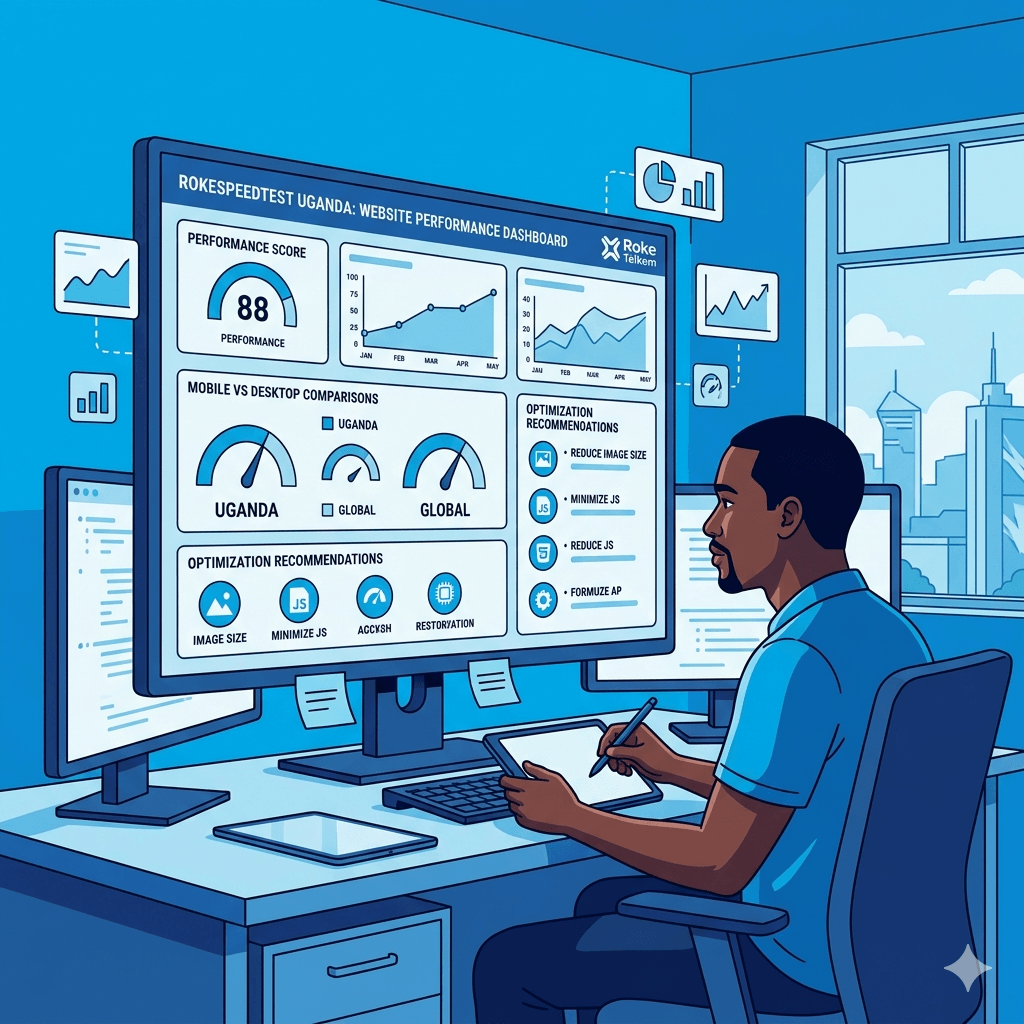
Speed is everything. Studies show that if your website takes more than three seconds to load, more than half of your visitors will leave. In Uganda, where many users are on slower mobile data connections, this is even more critical. Optimising your images, using a reliable host, and reducing unnecessary scripts are the first steps. If you need detailed guidance on this, check out this in-depth article onwebsite speed optimization for Uganda’s low-bandwidth environment.
Simple and Intuitive Navigation
Think of your website navigation like the layout of a supermarket. Everything should be easy to find without asking for help. Keep your menu simple, no more than five to seven main links. Use clear labels like “Services”, “About”, and “Contact” rather than clever but confusing names. Good navigation reduces frustration and keeps people browsing longer.
Strong Call-to-Action (CTA) Placement
Every page on your website should tell visitors what to do next. A call-to-action (CTA) is a button or link that drives action “Get a Free Quote”, “Book a Consultation”, “Call Us Now”. Place CTAs above the fold (visible without scrolling), in the middle of long pages, and at the bottom of every service or product page. A conversion-focused website design never leaves visitors guessing what their next step should be.
Step-by-Step Web Design Checklist
This is the heart of this guide. Use this website development checklist as your blueprint, whether you’re a first-timer or improving an existing site.
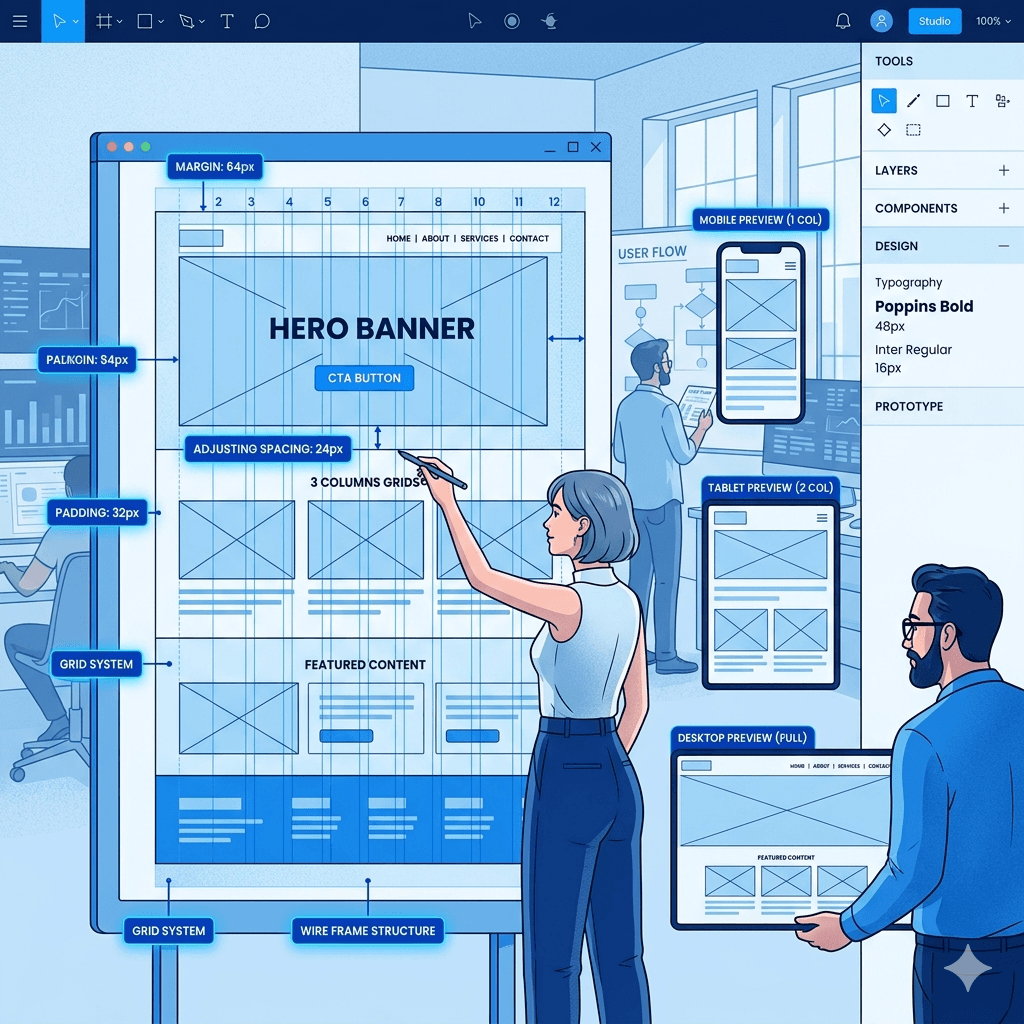
Planning Your Website Structure
Before touching any design tool, map out what pages your website needs and how they connect. This is called your site architecture, and it’s the foundation everything else sits on.
• List all the pages you need (Home, About, Services, Blog, Contact)
• Decide which pages link to each other
• Create a simple sitemap (even a rough sketch on paper works)
• Identify your primary goal for each page (inform, convert, capture leads)
Choosing the Right Domain and Hosting
Your domain name is your online address. Keep it short, easy to spell, and related to your business name. For Uganda-based businesses, a .co.ug or .ug domain can reinforce local trust, though .com remains the most widely recognised. For hosting, choose a provider with servers close to your audience or one that offers a global CDN for faster load times. If you’d like professional help setting this up, explore ourweb design services to get started the right way.
• Pick a domain that’s simple and memorable
• Choose a reliable hosting provider (SiteGround, Bluehost, or local options)
• Set up an SSL certificate so your site shows “https” (a trust and SEO signal)
• Connect your domain to your hosting provider
Designing the Homepage Effectively
Your homepage is the most important page on your site. It must capture attention, communicate value, and guide visitors to take action all within the first few seconds.
• A clear headline that tells visitors who you are and what you do
• A strong hero image or video relevant to your business
• About Page: Share your story, your team, and why customers should trust you. Be personal and genuine.
• Services Page: Describe what you offer clearly, with benefits highlighted, not just features.
• Contact Page: Include a form, phone number, email address, and your physical location if applicable. Add a Google Map embed for local businesses.
Setting Up Branding and Visual Identity
Consistency in design builds brand recognition. Every element of your site should reflect your brand identity colours, fonts, logo, and tone of voice.
• Use a consistent colour palette (two to three primary colours)
• Stick to one or two readable fonts throughout
• Use high-quality images that reflect your brand and audience
• Display your logo prominently in the header and footer
Adding SEO Basics (Titles, Meta Descriptions, Keywords)
SEO is how people find your website on Google without you paying for ads. Getting the basics right during the design phase saves a lot of rework later. Use thisSEO checklist for a comprehensive breakdown of modern on-page and technical SEO strategies.
• Write a unique title tag for every page (under 60 characters)
• Add a meta description that summarises the page (under 160 characters)
• Include your primary keyword naturally in headings and body text
• Add descriptive alt text to all images
• Set up Google Analytics and Google Search Console from day one
Integrating Contact Forms and Lead Capture Tools
Your website should be doing the work of converting curious visitors into warm leads. Lead capture tools do exactly that.
• Add a contact form to your Contact page and homepage
• Include a WhatsApp button or live chat widget for instant communication
• Offer a lead magnet (free guide, checklist, or consultation) in exchange for email addresses
• Test that all forms send notifications to your email
Testing Responsiveness and Usability
Before you launch, test everything. A broken link or a form that doesn’t submit can cost you customers.
• Test your website on multiple devices (desktop, tablet, mobile)
• Check all links to make sure none are broken
• Test page loading speed using Google PageSpeed Insights
• Ask someone unfamiliar with your website to navigate it and note any confusion
Best Tools for Web Design in 2026
You don’t need expensive software or a coding degree to build a great website in 2026. Here are the best tools to get the job done efficiently.
Website Builders (WordPress, Wix, Shopify)
• WordPress: The most powerful and flexible platform. Best for businesses that want full control and plan to grow. It requires a bit of a learning curve but offers unmatched customisation.
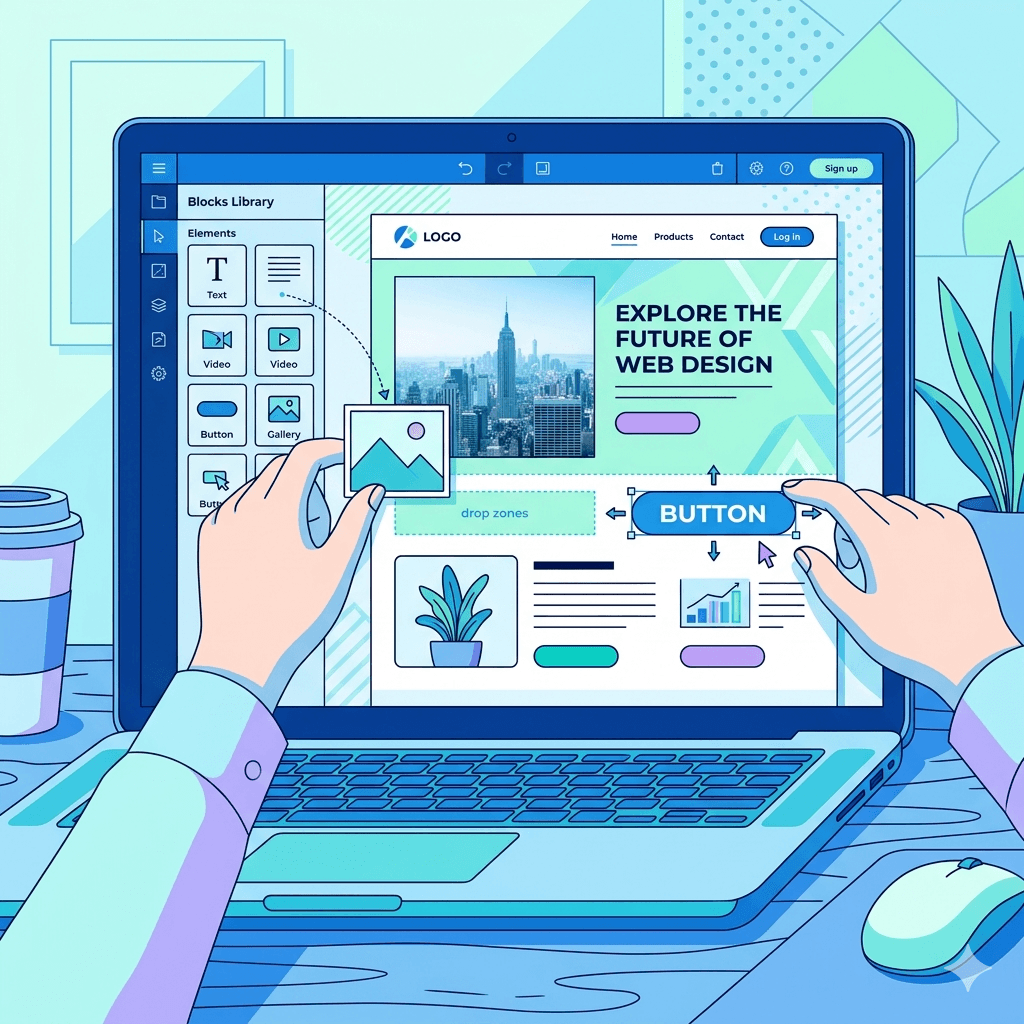
• Wix: Great for beginners. Drag-and-drop simplicity with beautiful templates. Ideal for small businesses that want a professional look without the technical complexity.
• Shopify: The go-to platform for e-commerce. If you’re selling products online, Shopify makes it easy to set up a secure and conversion-optimised store.
Design Tools (Figma, Canva)
• Figma: The industry standard for UI/UX design. It’s perfect for creating wireframes and mockups before building. It’s free to start and very collaborative.
• Canva: Ideal for creating graphics, banners, and visual elements for your website without any design experience.
SEO Tools (Google Search Console, Ahrefs, Ubersuggest)
• Google Search Console: Free and essential. It shows you how your site performs in search, what keywords bring traffic, and any technical errors to fix.
• Ahrefs: A premium tool for deep keyword research and backlink analysis. Excellent for businesses ready to invest in serious SEO.
• Ubersuggest: A more affordable alternative to Ahrefs, great for beginners doing basic keyword research.
Performance Tools (PageSpeed Insights, GTmetrix)
• Google PageSpeed Insights: Instantly scores your site’s speed and gives specific recommendations to improve it.
• GTmetrix: Gives a deeper breakdown of load time issues, making it easier to identify what’s slowing your site down.
Common Web Design Mistakes to Avoid
Even experienced designers fall into these traps. Here’s what to watch out for when building your business website:
• Cluttered design: Too many images, colours, and fonts make your site look unprofessional and confuse visitors. Less is more. White space is your friend.
• No clear CTA: If visitors don’t know what to do next, they’ll do nothing. Every page needs a next step.
• Ignoring mobile users: A site that looks great on desktop but breaks on mobile will lose the majority of your audience.
• Using stock photos that feel fake: Generic stock images reduce trust. Use real photos of your business, team, or products wherever possible.
• Skipping SEO during design: Bolting on SEO after launch is ten times harder. Build it in from the start.
• Broken links or forms: Nothing kills a potential customer’s trust faster than a “404 Not Found” error or a form that fails silently.
• Outdated content: A blog that hasn’t been updated in two years or a “2019 special offer” still showing sends the message that nobody’s home.
How to Optimize Your Website for Local SEO in Uganda
Local SEO is about making sure people in your area can find you online when they search for what you offer. For Uganda businesses, this is one of the highest-return things you can do. For a detailed walkthrough of local SEO strategies specific to Kampala and other Ugandan markets, read ourlocal SEO guide for beginners.
Google Business Profile Setup
Creating and verifying your Google Business Profile is one of the single most powerful things you can do for local visibility. It ensures your business shows up in Google Maps and local search results. Fill in every field business name, address, phone number, website, opening hours, photos, and category. Keep your details consistent across all platforms.
Local Keyword Targeting
Include location-specific keywords naturally in your web content. Instead of just “web designer”, use “web designer in Kampala” or “affordable website design Uganda”. Think about how your local customers phrase their searches and write your content to match. Add location mentions in your page titles, headings, and body copy where they make sense.
Mobile Optimization for Local Users
Most local searches in Uganda happen on mobile. This makes a mobile-friendly website design not just a good idea but essential for local SEO. Google now uses mobile-first indexing, which means it looks at the mobile version of your site first when deciding where to rank you. If your site loads slowly or looks broken on mobile, it directly hurts your local search rankings.
Adding Location-Based Content
Create content that speaks directly to your local audience. This could be blog posts about local industry trends, case studies from Ugandan clients, or a dedicated landing page for your city or neighbourhood. Adding a Google Maps embed on your contact page also reinforces your local presence and helps customers find you physically.
Cost of Building a Professional Website in Uganda
One of the most common questions from Ugandan entrepreneurs is: “How much will my website cost?” The answer depends on several factors including complexity, number of pages, features required, and whether you hire a professional or do it yourself.
Here’s a rough breakdown of typical costs:
• DIY with Wix or WordPress: UGX 200,000 to 500,000 per year for hosting and domain. Your investment here is mostly time.
• Freelance designer: UGX 1,000,000 to 5,000,000 depending on experience and project scope.
• Professional web design agency: UGX 3,000,000 to 15,000,000 or more for a fully custom, SEO-optimised, conversion-focused website.
• Ongoing maintenance: Budget an additional UGX 500,000 to 2,000,000 per year for updates, security, and content.
Remember, your website is an investment, not an expense. A well-built site can generate leads, bookings, and sales around the clock and the return on investment typically far exceeds the initial cost.
Future Trends in Web Design (2026 and Beyond)
The web design landscape is evolving fast. Here’s what’s shaping modern web design trends in 2026 and what’s coming next:
AI-Powered Website Builders
AI tools are making it faster and cheaper to build websites than ever before. Platforms like Wix ADI and Framer AI can generate a basic website from a few prompts. This democratises web design, especially for small businesses without big budgets. However, human judgment is still needed to make a site truly speak to your audience.
Voice Search Optimization
More people are using voice assistants like Google Assistant and Siri to search online. This means websites need to be optimised for conversational, question-based queries not just short keywords. Writing content that directly answers common questions (like FAQ sections) is a great way to capture voice search traffic.
Minimalist and Speed-Focused Design Trends
The best websites in 2026 are clean, fast, and focused. Heavy animations, auto-playing videos, and overly complex layouts are giving way to minimalist design that loads quickly and communicates clearly. This trend is especially relevant in Uganda, where bandwidth constraints reward websites that do more with less.
Frequently Asked Questions
What should be included in a web design checklist?
A complete web design checklist should cover website structure and planning, domain and hosting setup, homepage design, essential pages (About, Services, Contact), branding and visual identity, on-page SEO basics, contact forms and lead capture tools, mobile responsiveness, and performance testing. This website design checklist for small business should also include post-launch items like setting up analytics and connecting to Google Search Console.
How much does it cost to design a website in Uganda?
The cost varies based on complexity and who builds it. DIY options start from around UGX 200,000 per year for hosting and a domain. Hiring a freelancer typically costs between UGX 1,000,000 and 5,000,000, while a professional agency may charge UGX 3,000,000 to 15,000,000 or more for a fully custom, optimised site. Affordable website design in Uganda is very accessible for small businesses willing to invest in the right platform or partner.
Do small businesses really need a website in 2026?
Absolutely yes. Even if you get most of your customers through word of mouth or social media right now, a website adds credibility, works 24/7, and helps you rank in Google searches. Without one, you’re invisible to a growing segment of customers who verify businesses online before making contact. A local business website design in Uganda is no longer optional; it’s a baseline expectation.
What makes a website convert visitors into customers?
Conversion-focused website design combines a clear value proposition, strong CTAs, social proof (testimonials and reviews), fast load times, and easy navigation. Visitors convert when they trust you, understand what you offer, and know exactly what to do next. Remove friction at every step of the journey from landing to enquiry.
Which platform is best for beginners building a website?
Wix is generally the easiest platform for complete beginners thanks to its drag-and-drop interface and beautiful ready-made templates. WordPress is the best long-term investment if you’re willing to learn the basics, as it offers far more flexibility and is better for SEO. Shopify is the clear winner if you plan to sell products online.
How long does it take to build a professional website?
A simple brochure website can be set up in a few days to two weeks. A more complex site with custom design, multiple service pages, a blog, and SEO optimization typically takes four to eight weeks. The timeline depends on how quickly you can provide content (text and images) and how many rounds of revisions are needed.
How important is SEO in web design?
SEO and web design are two sides of the same coin. A beautiful website that nobody can find is like a great shop hidden in a back alley. Building SEO into the structure, content, and technical foundation of your site from the beginning is far more effective than trying to add it on later. An SEO web design checklist is essential for anyone who wants organic traffic.
Can I build a website without coding skills?
Yes, absolutely. Website builders like Wix, Squarespace, and the Elementor page builder for WordPress all allow you to design and launch a professional website without writing a single line of code. These platforms have made web design accessible to anyone with a basic understanding of computers and a clear vision for their brand. Website design tips for beginners always start here, choose the right platform and let the tools do the technical heavy lifting.
Final Thoughts
Building a great website doesn’t happen by accident. It takes planning, attention to detail, and a clear understanding of what your audience needs. That’s exactly what this web design checklist is here for.
Whether you’re launching your first business website or giving an existing one a much-needed overhaul, use this guide as your reference at every step. Revisit it when you add new pages, refresh your branding, or optimise for local SEO.
The businesses that invest in their web presence today will be the ones leading their industry tomorrow. Uganda’s digital economy is growing fast and now you have the checklist to grow with it.
Building a website for your business today feels both exciting and overwhelming. There are so many options out there that choosing the right one can feel like picking a phone from a hundred models on a shelf. Do you go with something quick and easy, something powerful and flexible, or something built just for you?
In Uganda, more businesses are going online every day. Whether you run a salon in Kampala, a logistics company in Mbarara, or a startup with big dreams, your website is often the first place customers find you. So the platform you choose matters more than most people think. Our web design guide for Uganda covers how that choice fits the rest of the project.
The three most common options you will hear about are Wix, WordPress, and custom website design. Each one has its strengths, its weaknesses, and the right audience. This guide breaks down what each option is, what it costs, and which one makes the most sense for your situation right here in Uganda.
What Is Wix?
Wix is a cloud-based website builder that lets you create a website without writing a single line of code. Think of it like building with LEGO blocks. You pick a template, drag elements where you want them, and your site is live within hours.
Wix was launched in 2006 and has grown to serve over 230 million users globally. It handles everything for you, including hosting, security updates, and technical maintenance. All you need to do is sign up, choose a plan, and start designing.
For small businesses, bloggers, and entrepreneurs who want a professional online presence without hiring a developer, Wix is a popular starting point. It offers hundreds of templates, built-in apps for bookings, eCommerce, and contact forms, and a beginner-friendly interface that most people can figure out in a single afternoon.
In short, Wix is the drag-and-drop website builder that trades deep flexibility for ease of use.
What Is WordPress?
WordPress is the world’s most popular content management system, or CMS. It powers over 43% of all websites on the internet, from personal blogs to major news outlets. Unlike Wix, WordPress is not a hosted platform. You download the software, install it on your own web hosting server, and build from there.
WordPress comes in two versions. WordPress.com is a hosted version similar to Wix. WordPress.org is the self-hosted, open-source version that gives you full control over your website. Most developers and serious website owners use WordPress.org.
The power of WordPress lies in its flexibility. With thousands of free and premium themes, plus over 59,000 plugins, you can build almost anything, from a simple blog to a complex online store.
That flexibility comes with a learning curve, though. WordPress requires a bit more technical know-how than Wix, but it rewards that effort with scalability and control that Wix simply cannot match.
What Is Custom Website Design?
Custom website design means hiring a professional web designer or development team to build a website specifically for your business from scratch. There are no templates or pre-built frameworks to limit what you can create. Every element, from the layout to the color scheme to the database structure, is designed to meet your exact needs.
Custom websites are often built using technologies like HTML, CSS, JavaScript, PHP, or frameworks like React or Laravel. The process usually involves a discovery phase, wireframing, design mockups, development, testing, and finally launch.
This approach gives you complete control over how your website looks, performs, and grows. It also means you are not locked into any platform’s rules or pricing structure.
Custom design is typically the most expensive option upfront, but for businesses with specific needs, complex workflows, or ambitious growth plans, it can be the most cost-effective long-term investment. Many web design services in Uganda offer this kind of tailored development at competitive rates.
Key Differences Between Wix, WordPress, and Custom Design
At a glance, these three platforms might seem to do the same thing, but they are actually quite different animals.
Wix is a closed, all-in-one platform. Everything, including hosting, design tools, and updates, lives inside Wix’s ecosystem. You do not own the platform; you rent space on it. That is convenient, but it limits how far you can take your site.
WordPress is open-source and self-hosted. You own your data and your website. You can move it to any host, customize it endlessly, and scale it however you need. But that freedom means you are also responsible for security, updates, and maintenance.
Custom design sits in its own category entirely. You are not using anyone else’s platform. You own 100% of everything, and the site is built exactly to your specifications. The trade-off is time and cost.
Here is a simple comparison:
• Ease of Use: Wix wins for beginners, WordPress is moderate, custom design requires professionals
• Cost: Wix has low entry cost, WordPress is moderate, custom design has higher upfront cost
• Flexibility: Custom design wins, followed by WordPress, then Wix
• Ownership: WordPress and custom design give full ownership; Wix does not
• Scalability: Custom design and WordPress scale better than Wix
Pros and Cons of Wix
Advantages of Wix
The biggest advantage of Wix is how fast you can go from zero to a live website. You do not need any technical skills. The drag-and-drop editor is intuitive, and hundreds of professionally designed templates mean your site can look great without any design experience.
Wix also handles all the behind-the-scenes work. Hosting, SSL certificates, automatic updates, and security patches all happen without you lifting a finger. For someone running a business and juggling ten other tasks, that is a huge relief.
Other advantages include:
• Built-in tools for bookings, eCommerce, blogging, and contact forms
• A large library of apps through the Wix App Market
• 24/7 customer support
• No coding required at any stage
• Free plan available for testing before committing
Limitations of Wix
The trade-off for all that convenience is limited control. Once you pick a template on Wix, you cannot switch to a different one without rebuilding your site. That is a frustrating constraint as your brand evolves.
Wix also struggles with advanced SEO compared to WordPress. While it covers the basics, serious search engine optimization requires more control than Wix allows. Page speed can also be an issue, especially in Uganda where internet bandwidth is often limited.
Additionally:
• Your site is locked into Wix’s platform. You cannot migrate it elsewhere easily
• The free plan includes Wix-branded ads on your site
• Wix pricing can add up when you add premium apps
• Not ideal for large, complex websites
Pros and Cons of WordPress
Advantages of WordPress
WordPress gives you power and flexibility that Wix simply cannot match. Because it is open-source, there is a massive global community of developers building themes, plugins, and tutorials for it. Whatever feature you need, there is almost certainly a plugin that does it.
From an SEO perspective, WordPress is superior. Plugins like Yoast SEO and Rank Math give you detailed control over how your site appears in search results, which is critical if you want customers in Uganda to find you on Google.
Other advantages include:
• Full ownership of your website and data
• Thousands of free and premium themes to choose from
• Highly scalable, from a simple blog to a large eCommerce store
• Better long-term SEO capabilities
• Large developer community for support and customization
Limitations of WordPress
WordPress requires more technical involvement. You need to manage your own hosting, handle software updates, and keep plugins up to date. Security is also your responsibility, which is why practices like regularWordPress backup are essential. Neglecting these things can leave your site vulnerable to hacks or crashes.
Other limitations include:
• Steeper learning curve for complete beginners
• Costs can add up when purchasing premium themes, plugins, and hosting
• Plugin conflicts can sometimes break your site
• Ongoing maintenance is your responsibility
Pros and Cons of Custom Website Design
Advantages of Custom Design
A custom-built website is like having a suit tailored specifically for your body. It fits perfectly because it was made for you. Nothing is borrowed, templated, or compromised.
Custom websites load faster because the code is lean and purpose-built. There is no bloated theme code or unused plugin features slowing things down. For businesses in Uganda where internet speed matters, this performance advantage is significant.
Other advantages include:
• Complete creative and functional control
• Unique design that stands out from template-based competitors
• Built to your exact business processes and workflows
• Better performance and faster loading speeds
• No platform dependency or lock-in
• Scales precisely as your business grows
Limitations of Custom Design
The most obvious limitation is cost. A custom website requires hiring designers and developers, which means a higher upfront investment compared to Wix or WordPress. It also takes more time, often weeks or months, before your site is live.
Other limitations include:
• You depend on the development team for major changes
• Ongoing costs for maintenance, updates, and support
• Not practical for businesses that need a site up within days
• Requires a clear brief and good communication with your team
Cost Comparison in Uganda
Initial Setup Costs
Understanding the truewebsite cost in Uganda means looking beyond the advertised price.
Wix: A free plan exists but is very limited. Paid plans start at around $17 per month (roughly UGX 63,000). Business plans with full eCommerce features start at $36 per month or more.
WordPress: The software itself is free, but you need to pay for hosting. Good hosting in Uganda typically costs between UGX 50,000 and UGX 200,000 per month. A premium theme might add another UGX 150,000 to UGX 500,000. Add a domain, and your initial setup might run between UGX 300,000 and UGX 1,500,000.
Custom Design: This varies widely based on complexity. Simple brochure websites built by Kampala web designers might cost between UGX 1,500,000 and UGX 5,000,000. Complex eCommerce or business systems can reach UGX 10,000,000 to UGX 30,000,000 or more.
Ongoing Maintenance Costs
Wix ongoing costs are predictable. You pay your monthly subscription and that is mostly it. Hosting, security, and updates are included.
WordPress ongoing costs include hosting renewals, domain renewals, plugin license renewals, and the time or money to keep things updated and secure.
Custom website ongoing costs typically include hosting, domain renewal, and retainer or ad-hoc fees for any updates or fixes your developer handles.
Hidden Costs to Consider
With Wix, hidden costs often come from premium apps in the Wix App Market. Each app adds to your monthly bill. With WordPress, costs can creep up through premium plugin renewals, security tools, and backup services. With custom websites, rushing the project or poor planning often leads to extra development hours and increased costs.
The honest truth is that no platform is truly cheap if you want it done right. Budget for quality, not just the lowest price.
Ease of Use and Learning Curve
Beginner Friendliness
Wix is the clear winner for absolute beginners. You can have a functional website live in a few hours with no prior experience. The interface is visual and intuitive. If you can drag a file into a folder on your computer, you can use Wix.
WordPress has a moderate learning curve. Setting up hosting, installing WordPress, choosing a theme, and installing plugins takes more effort. But once you get past that initial setup, it becomes much easier to manage. Thousands of video tutorials and guides make the learning process accessible even without technical training.
Custom design requires no hands-on effort from you during the build process, since professionals handle everything. However, you need strong communication skills to convey your vision clearly to the team.
Technical Skills Required
Wix requires zero technical skills to get started. WordPress requires basic technical understanding but no coding. Custom design is handled entirely by developers, so technical skills are not required from the business owner, only clear communication and decision-making.
Design Flexibility and Customization
Design flexibility is where the three options truly separate themselves.
Wix offers hundreds of templates, and you can customize them using the visual editor. However, there are limits to what you can change. The underlying code is not accessible, which means a developer cannot come in and make deep structural changes. What you see in the editor is what you get.
WordPress offers significantly more design flexibility. You can install any theme, modify it with CSS, use page builder tools like Elementor or Beaver Builder, and add virtually any functionality through plugins. With a developer’s help, you can make WordPress look and work almost exactly as you imagine.
Custom design offers unlimited flexibility. Every pixel is intentional. There are no template constraints, no platform limitations, and no workarounds needed. If you can design it, a skilled development team can build it. For businesses in Uganda with strong brand identities or unique workflow requirements, this level of control is invaluable.
SEO and Performance Comparison
Built-in SEO Features
All three platforms support basic SEO practices, but they do so at different levels of depth.
Wix has improved its SEO tools significantly over the years. You can edit meta titles, descriptions, alt text, and URLs. However, it still lacks some of the advanced control that WordPress provides.
WordPress, especially with plugins like Yoast SEO or Rank Math, gives you granular control over every SEO element. Schema markup, canonical tags, XML sitemaps, and breadcrumb navigation are all manageable through free tools. This is why most serious businesses and bloggers choose WordPress when search engine visibility is a priority.
Custom websites can be built with SEO best practices baked in from the very first line of code, which often gives them an edge in performance and structure.
Speed and Performance
Page speed affects both user experience and search rankings. Slow websites lose visitors. In Uganda, where bandwidth can be inconsistent,website speed is not just a technical concern. It is a business concern.
Wix websites can be slow due to the platform’s code structure. Custom design and well-optimized WordPress sites generally perform better, especially when hosted on quality servers with content delivery networks.
Mobile Optimization
All three platforms support responsive web design and mobile-friendly websites. Wix automatically adjusts your layout for mobile, though the result is sometimes imperfect and requires manual tweaking. WordPress themes designed with responsive web design in mind perform well on all screen sizes. Custom websites can be built mobile-first, ensuring flawless performance across devices, which is especially important in Uganda where most users access websites on smartphones.
Best Option for Different Types of Users
Small Business Owners
If you own a small business in Uganda and need a clean, professional website without the complexity, Wix or WordPress on a managed hosting plan is a solid starting point. Wix works well for service businesses like salons, restaurants, and retail shops that need simple pages and a booking or contact feature. WordPress suits those who plan to grow and need better SEO capabilities from day one.
Startups and Entrepreneurs
Startups often need speed and flexibility simultaneously. WordPress is a strong choice here because it can grow with your business. If your startup plans to build an online store, comparing the righteCommerce platform options early saves you from costly migrations later. Custom design becomes worth considering when your startup has a product or service that requires a truly unique digital experience to compete.
Bloggers and Content Creators
WordPress was built for content publishing and it remains the best platform for bloggers and content creators. The editorial tools, content scheduling, category and tag systems, and SEO plugins make it ideal for anyone who publishes regularly. Wix can handle simple blogging, but for serious content strategies, WordPress wins every time.
Established Businesses
Established businesses with serious revenue, complex workflows, and long-term digital strategies are usually best served by either a custom website or a heavily customized WordPress build. At this level, investing in quality web design services in Uganda pays dividends in brand perception, performance, and conversion rates. The extra cost is justified by the results.
How to Choose the Right Platform for Your Needs
Define Your Goals
Start by asking yourself what the website needs to do. Is it a digital business card? An online store? A content hub? A booking platform? Different goals point to different platforms. A brochure site is fine on Wix. A content-heavy blog is better on WordPress. A complex store or application benefits from custom development.
Set Your Budget
Be honest about what you can afford both upfront and on an ongoing basis. Wix has the lowest barrier to entry but recurring monthly fees. WordPress has moderate setup costs with ongoing hosting and maintenance. Custom design has higher upfront investment but can be the most cost-efficient over a five-year horizon for growing businesses.
Consider Your Technical Skills
If you have no technical background and no plans to hire a developer, Wix is the safest bet. If you are willing to learn or have a tech-savvy team member, WordPress offers far more reward for the effort. If you want to focus entirely on running your business and let experts handle the website, partnering with a reliable web design company in Uganda for a custom build makes the most sense.
Think Long-Term
Whatever platform you choose today, think about where your business will be in three to five years. Switching platforms later is possible but painful. Choose something that grows with you rather than something you outgrow quickly. If you need help evaluating your options, working with an experiencedweb design company in Uganda can save you time, money, and frustration in the long run.
Common Mistakes to Avoid
Choosing Based Only on Price
The cheapest option today can become the most expensive option tomorrow. Choosing Wix because the free plan is available, then realizing you need features that require upgrades and add-ons, often costs more than a well-planned WordPress site from the start. Always calculate total cost of ownership, not just the entry price.
Ignoring Scalability
Your website needs to grow with your business. A platform that works perfectly for 100 visitors a month may buckle under 10,000. Choose a scalable website solution from the beginning, especially if you have growth ambitions. Rebuilding your site from scratch in two years is a costly and disruptive mistake many Uganda businesses make.
Overlooking SEO and Performance
Many business owners focus entirely on how the website looks and forget about how it performs. A beautiful site that loads slowly or ranks nowhere on Google will not generate leads. Before you launch, make sure your chosen platform supports solid SEO-friendly website design, fast load times, and mobile-friendly websites. These are not optional extras. They are baseline requirements for any website that wants to compete online in Uganda today.
Final Verdict: Which Is Right for Uganda?
There is no single answer that works for everyone, but there are clear patterns.
Choose Wix if you are just starting out, have a tight budget, need a simple website quickly, and do not plan to do heavy SEO or complex functionality.
Choose WordPress if you are serious about growing online, need strong SEO capabilities, want to scale your website over time, and are willing to invest a bit more effort or money into setup and maintenance.
Choose custom website design if you have a clear business need that templates cannot meet, want a website that truly represents your brand, have a bigger budget, or are running an established business that requires a competitive digital edge.
For most small business owners and entrepreneurs in Uganda, WordPress is the sweet spot. It offers the best balance of flexibility, cost, SEO, and long-term scalability. But whatever you choose, building your website with intention and a clear strategy will always beat picking randomly and hoping for the best.
Frequently Asked Questions
Is Wix good for small businesses in Uganda?
Yes, Wix is a solid option for small businesses in Uganda that need a simple, attractive website without technical complexity. It works well for service businesses, local shops, and solo entrepreneurs. However, if SEO and long-term growth are priorities, WordPress may serve you better.
Is WordPress better than Wix for SEO?
Yes. WordPress gives you significantly more control over SEO elements, especially when combined with plugins like Yoast or Rank Math. For businesses that rely on organic search traffic in Uganda, WordPress is the stronger choice.
How much does it cost to build a website in Uganda?
Costs vary widely. A basic Wix website might cost UGX 50,000 to UGX 200,000 per month depending on your plan. A WordPress website setup can range from UGX 300,000 to UGX 1,500,000 initially, with ongoing hosting fees. Custom websites start from UGX 1,500,000 and can go much higher depending on complexity.
Do I need coding skills for WordPress or Wix?
No. Wix requires zero coding. WordPress requires no coding for basic setups, especially when using page builders like Elementor. Coding becomes helpful when you need advanced customizations, but most everyday tasks can be done without writing a single line of code.
When should I choose custom website design?
Choose custom design when your business has unique requirements that templates cannot meet, when brand differentiation is critical, when you need specific integrations with business systems, or when you are an established business investing in a serious digital presence.
Which platform is best for eCommerce in Uganda?
WordPress with WooCommerce is the most popular and powerful eCommerce solution for Uganda businesses at most price points. Wix also supports online stores but with more limitations. Custom eCommerce solutions make sense for high-volume or complex online businesses.
Can I switch platforms later?
Yes, but it is not easy. Moving from Wix to WordPress, for example, requires rebuilding your site almost entirely since Wix does not allow direct data export. Moving between WordPress and custom design is more manageable. The safest approach is to choose the right platform from the start.
Which option is fastest to launch?
Wix is the fastest option. You can have a basic website live within a single day. WordPress typically takes a few days to a couple of weeks, depending on the setup. Custom website design takes the longest, usually several weeks to a few months, depending on the project scope.
Uganda’s digital landscape is changing fast. More businesses are moving online, and having a well-built website is no longer optional, it’s a necessity. From Kampala’s bustling business district to enterprises serving clients across East Africa, companies that invest in strong online presence are pulling ahead of the competition.
Think of your website as your 24/7 sales representative. It works while you sleep, introduces your brand to strangers, and either wins trust or loses it within seconds. In a market where customers increasingly Google before they buy, the quality of your website can make or break your business.
In this article, you’ll discover the top 10 most impressive business websites in Uganda right now. You’ll see what they do well, what design lessons you can borrow, and practical steps to level up your own online presence. Whether you’re just starting out or looking to redesign an existing site, this guide will give you real, actionable inspiration.
Why Business Websites Matter in Uganda
The way customers find and evaluate businesses in Uganda has shifted dramatically. A few years ago, word of mouth was king. Today, people pull out their phones and search online first. If your business doesn’t show up or shows up with a poor website you’re likely losing customers before you even know they existed.
This digital-first customer behavior is not slowing down. With internet penetration growing steadily in Uganda and mobile data becoming more affordable, more people are making purchase decisions based on what they find online. The importance of websites for businesses in Uganda has never been higher.
A professional website does much more than display contact information. It builds credibility. When a potential client visits your site and finds it polished, easy to navigate, and full of useful information, they trust you more. Trust translates directly into inquiries, sales, and long-term loyalty.
Beyond trust, websites directly impact your brand visibility. Good Uganda business websites show up in search results, attract organic traffic, and act as a hub for all your digital marketing activities. Social media posts, Google Ads, and email campaigns all drive people back to your website making it the most valuable digital asset your business owns.
In short, if you’re serious about growing your business in Uganda today, investing in a strong website isn’t a luxury, it’s a strategic necessity.
What Makes a Great Business Website
Before we look at the top sites, it helps to understand what separates a great website from a mediocre one. These are the core principles that the best professional websites in Uganda consistently get right.
Clean and Modern Design: A website that looks cluttered or outdated immediately signals that a business might not be keeping up with the times. Modern web design in Uganda favors clean layouts, plenty of white space, and a clear visual hierarchy. Less is often more. You can learn more about the principles behind effectiveWeb Design and how it applies to local businesses.
Mobile Responsiveness: Most Ugandans browse the internet on their phones. A website that looks great on desktop but breaks on mobile loses the majority of its potential visitors. Responsive websites in Uganda adapt automatically to any screen size, giving every user a seamless experience.
Clear Navigation and User Experience: Think of your website like a well-organized shop. Visitors should always know where they are, where to go next, and how to contact you. Good UX design examples on Ugandan websites make it effortless to find information without frustration.
Strong Branding and Visual Identity: Your website should look like it belongs to your brand. Consistent use of colors, fonts, and imagery creates recognition and professionalism. Corporate branding websites in Uganda that nail this tend to leave lasting impressions on visitors.
These features of a good business website form the foundation of everything we see in the top sites listed later in this article.
Key Features of High-Performing Ugandan Websites
Beyond good looks, high-performing Ugandan business websites share a set of technical and strategic features that keep them competitive.
Fast Loading Speed: Speed matters. Research shows that users abandon websites that take more than three seconds to load. For Ugandan audiences often on mobile data connections, a slow site is a silent killer for business. Optimizing images, using reliable hosting, and minimizing unnecessary code all contribute to speed.
Local Relevance in Content and Imagery: The best website design companies in Uganda understand the importance of local context. Using imagery that reflects Ugandan people, landscapes, and culture creates an instant connection with local audiences. Generic stock photos from overseas can feel distant and impersonal.
Integration of Contact Forms and WhatsApp: WhatsApp is deeply embedded in how Ugandans communicate. Adding a WhatsApp chat button to a business website makes it incredibly easy for customers to reach you. Combined with a clean contact form, these tools reduce friction and increase conversions.
SEO and Search Visibility: A beautiful site that nobody finds is like a signpost in a forest. SEO for business websites in Uganda ensures your site appears when potential customers search for your products or services. Good on-page SEO, fast loading, and quality content all contribute to better rankings. Explore professionalSEO Services to see how this works in practice.
Top 10 Most Impressive Business Websites in Uganda
Selecting the top 10 best business websites in Uganda wasn’t easy. There are genuinely many impressive sites out there. The selection criteria focused on design quality, mobile usability, brand consistency, loading performance, and overall user experience. These are the Ugandan company websites that consistently stand out from the crowd.
For real examples of what high-quality local web projects look like, you can browse thePortfolio of completed projects to see Ugandan website design examples in action.
Stanbic Bank Uganda (www.stanbicbank.co.ug)
Stanbic Bank’s website is one of the most polished corporate websites in Uganda. The design is clean, professional, and instantly communicates stability and trust exactly what you want from a financial institution. The homepage loads fast, and users can quickly find what they need, whether it’s personal banking, business accounts, or loan products. Navigation menus are logically structured, and the mobile experience is smooth. The consistent use of blue and white reinforces the brand identity across every page.
MTN Uganda (www.mtn.co.ug)
MTN Uganda’s site is a masterclass in handling a wide range of products and services without overwhelming the user. The bold yellow branding is instantly recognizable, and the layout guides users intuitively toward the information they need be it mobile money, data bundles, or enterprise services. The site performs well on mobile, which is critical given MTN’s mobile-first customer base. It’s a strong example of how large Ugandan businesses can manage complex digital ecosystems with clarity.
Airtel Uganda (www.airtel.co.ug)
Airtel Uganda’s website balances visual energy with clear user journeys. The site does a great job of showcasing promotions and products on the homepage without making it feel cluttered. Red is used boldly and effectively throughout, ensuring brand consistency. The site’s structure makes it easy to compare data bundles, find customer service options, and learn about new offerings. It’s a solid example of responsive websites in Uganda done right.
Uganda Airlines (www.ugandaairlines.co.ug)
Uganda Airlines has invested in a genuinely impressive digital presence. The website feels modern and aspirational, befitting a national carrier. The flight booking interface is user-friendly, and the site’s use of high-quality photography celebrating Ugandan culture and landmarks adds a sense of pride and local identity. The visual storytelling is strong, and the overall experience communicates that Uganda Airlines is serious about its brand on the global stage.
Jumia Uganda (www.jumia.co.ug)
Jumia Uganda demonstrates what a high-performing e-commerce website looks like in the local market. The site loads quickly despite the large volume of products, and the search and filtering functionality makes finding products effortless. The checkout process is streamlined, and the mobile experience is optimized essential for a market where most shoppers use phones. Jumia is the benchmark for business website usability best practices in the e-commerce space in Uganda.
Dfcu Bank (www.dfcugroup.com)
Dfcu Bank’s website strikes a balance between modern aesthetics and professional banking communication. The site uses clean typography, quality imagery, and a logical content structure that makes it easy for both retail and business clients to find what they need. The homepage communicates the bank’s values clearly and quickly. It’s a fine example of how financial institutions in Uganda can use web design to build confidence and trust among their clientele.
Nation Media Group Uganda (www.monitor.co.ug)
The Daily Monitor website, operated by Nation Media Group, is one of the best media websites in Uganda. It manages the challenge of publishing large volumes of fresh content while keeping the site organized and readable. The design prioritizes readability with good use of fonts and spacing. Navigation by category, trending stories, and featured content make it easy for users to dive into the news they care about. It also performs reasonably well on mobile, a critical metric for a news platform.
Absa Bank Uganda (www.absabank.ug)
Absa Bank Uganda’s website benefits from the international brand’s global standards while maintaining local relevance. The site is visually clean with a strong color identity red used confidently without overwhelming the design. Clear calls-to-action guide users toward opening accounts, applying for loans, or accessing digital banking. The UX is well thought out, with a website feature checklist that most business owners could learn from: clear value propositions, easy navigation, and fast performance.
Nile Breweries (www.nilebreweries.com)
Nile Breweries operates one of the more visually distinctive corporate websites in Uganda. The site uses bold photography, strong brand colors, and a dynamic layout that brings the brand’s energy to life online. The storytelling approach focusing on brand heritage, sustainability, and community sets it apart from the typical product-focused corporate site. It’s excellent Uganda web design inspiration for businesses that want their website to communicate more than just what they sell.
The Uganda Investment Authority website represents one of the strongest examples of a government institution using its digital presence effectively. The site is well-organized, informative, and clearly aimed at attracting both local and foreign investors. Resources, reports, and investment guides are well-presented and accessible. The professional, data-rich design reflects the seriousness and ambition of Uganda’s investment promotion efforts. It’s a reminder that even institutional websites can lead with strong design and UX principles.
Design Lessons from These Websites
Looking across all ten of these top Ugandan company websites, clear patterns emerge. These are not coincidences, they are deliberate design decisions that drive results.
Common Design Patterns Across Top Sites: Every single one of these sites is mobile-responsive. They all load within acceptable time limits. They use consistent color palettes tied to their brand identity. And they all have clear, prominent calls-to-action buttons or links that tell users exactly what to do next.
What Businesses Can Replicate Easily:
• Use two to three brand colors consistently across every page.
• Place your most important action (contact, buy, book) prominently above the fold.
• Use quality photography that reflects your actual customers and environment.
• Keep navigation menus to five to seven items maximum to avoid overwhelming visitors.
Mistakes to Avoid: The most common mistakes on Ugandan business websites include using too many fonts (stick to two), neglecting mobile optimization, ignoring page speed, and burying contact information deep in the site. A website without a clear call-to-action is like a shop with no checkout counter. Visitors simply leave without doing anything.
How to Build a High-Quality Business Website
Understanding how to design a business website in Uganda doesn’t have to feel overwhelming. Breaking it into clear steps makes the entire process manageable.
Step 1: Define Goals and Target Audience
Before a single design decision is made, get clarity on what your website needs to achieve. Is it generating leads? Selling products? Building brand awareness? Who are your ideal customers and what do they need when they land on your site? Answering these questions shapes every subsequent decision.
Step 2: Choose a Platform or Developer
For small business websites in Uganda with tight budgets, platforms like WordPress offer great flexibility and affordability. For more complex projects, working with a professional local web developer ensures you get a site tailored precisely to your needs. The right choice depends on your budget, technical comfort, and how much customization you require.
Step 3: Focus on UX and Mobile Design
Given that most of your visitors will be on mobile, design for mobile first. Prioritize clean layouts, large tap targets, and fast-loading pages. The user journey from landing page to contact or purchase should be intuitive and friction-free.
Step 4: Optimize for SEO and Speed
Building SEO into your website from the start is far easier than retrofitting it later. Use descriptive page titles, write quality content, optimize images, and ensure your site loads quickly. For a deeper dive into this, theSEO Guide for small businesses covers every important step in clear, practical detail.
Step 5: Test and Improve Continuously
Launching your site is not the finish line, it’s the starting gun. Use tools like Google Analytics to see how visitors behave, which pages perform well, and where people drop off. Regular updates, fresh content, and periodic design refreshes keep your site relevant and competitive.
Cost of Building a Business Website in Uganda
One of the most common questions entrepreneurs ask is: how much does affordable website design in Uganda actually cost? The answer depends on several factors.
Factors Affecting Pricing: The complexity of the design, the number of pages, whether e-commerce functionality is needed, and the level of ongoing support all affect the final cost. A simple brochure website for a small business costs significantly less than a full e-commerce platform or a custom corporate site.
Basic vs Advanced Website Costs: In Uganda, a basic professional website typically ranges from UGX 1,500,000 to UGX 4,000,000. A more advanced site with custom design, SEO setup, and multiple integrations can range from UGX 5,000,000 upwards, depending on the scope and agency.
The Value of Investing in Quality: Cutting corners on your website often costs more in the long run. A poorly built site requires constant fixes, loads slowly, and fails to convert visitors. Investing in quality design from the start delivers better returns through increased trust, more leads, and better search visibility.
Future Trends in Ugandan Web Design
Modern web design trends in Uganda are evolving quickly. Staying aware of what’s coming helps businesses plan smarter investments in their digital presence.
Rise of Mobile-First Design: Mobile-first is no longer a trend, it’s the baseline standard. As smartphone penetration continues to grow in Uganda, websites that aren’t optimized for mobile will fall further behind. Expect even more emphasis on lightweight, fast-loading designs built for low-bandwidth environments.
Increased Use of AI and Automation: AI-powered chatbots, automated customer service tools, and smart content personalization are beginning to appear on forward-thinking Ugandan business websites. These tools reduce workload while improving the customer experience, a powerful combination for growing businesses.
Growing Importance of UX and Personalization: Users increasingly expect websites to feel tailored to them. Personalized content, location-aware features, and adaptive user journeys will become more common. Combined with a strongDigital Marketing strategy, UX-focused websites will be at the center of business growth in Uganda’s digital economy.
Conclusion
Uganda’s digital business landscape is maturing fast, and the websites leading the way share clear, actionable qualities. They’re clean, fast, mobile-friendly, and built with the user’s journey in mind. Whether it’s a national bank, a telecom giant, or an e-commerce platform, the best Ugandan company websites all invest seriously in their online presence.
The good news is that you don’t need a massive budget to build something impressive. You need clarity of purpose, attention to design fundamentals, and a commitment to continuous improvement. Start by defining what you want your website to achieve. Then build it well, optimize it for search, and keep improving it over time.
Your website is often the first handshake between your business and a potential customer. Make it count. The examples in this article prove that impressive, effective business websites in Uganda are absolutely achievable and the businesses that invest in them are reaping real rewards.
Frequently Asked Questions
What makes a business website successful in Uganda?
A successful business website in Uganda combines fast loading speed, mobile responsiveness, clear navigation, strong branding, and locally relevant content. It should also have a clear call-to-action and be optimized for search engines so potential customers can find it.
How much does it cost to build a website locally?
Website costs in Uganda vary depending on complexity. A basic professional website typically starts from around UGX 1,500,000. More advanced websites with custom design, e-commerce functionality, or integrations can cost UGX 5,000,000 or more.
Do small businesses really need a website?
Absolutely. Even a simple, well-built small business website in Uganda helps you reach more customers, build credibility, and compete with larger brands. Many customers check online before making purchasing decisions, and not having a website means missing out on those opportunities.
How long does it take to build a website?
A basic website typically takes two to four weeks to complete. A more complex website with custom design, multiple integrations, or e-commerce functionality can take six to twelve weeks. The timeline depends on how quickly content and feedback are provided.
What platform is best for beginners?
WordPress is widely considered the most beginner-friendly platform for building business websites in Uganda. It’s flexible, widely supported, and has thousands of themes and plugins. Wix and Squarespace are also options for very simple sites, though they offer less flexibility as your needs grow.
How can I improve my website’s SEO?
Start with the basics: use clear page titles and descriptions, write quality content that answers what your customers search for, ensure your site loads fast, and build quality backlinks from other websites. Consistent publishing of helpful content and technical optimization both contribute significantly to better rankings.
What are common mistakes Ugandan businesses make online?
The most common mistakes include neglecting mobile optimization, using low-quality or irrelevant stock photos, failing to update content regularly, hiding contact information, and ignoring site speed. Many businesses also forget to set up Google Analytics, which means they have no data to make informed improvements.
Is mobile optimization important for local websites?
It’s absolutely critical. The majority of internet users in Uganda browse on mobile devices. A website that doesn’t display or function properly on a smartphone will lose most of its visitors immediately. Mobile optimization is not optional, it’s one of the most important investments you can make.
Can I update my website myself after it is built?
Yes, especially if it’s built on a platform like WordPress. With basic training, most business owners can update text, images, and blog posts themselves. For more complex changes like new page layouts or functionality additions, it’s best to consult your developer.
How do I attract customers through my website?
Attracting customers requires a combination of SEO to rank in search results, quality content that answers their questions, and clear calls-to-action that guide them toward contacting you or making a purchase. Integrating tools like WhatsApp chat buttons and contact forms makes it easy for visitors to take the next step. Consistently sharing your website on social media and through digital advertising also drives traffic over time.
If you have ever landed on a website and immediately felt confused, frustrated, or lost, that is a UI/UX problem. On the flip side, if you have used an app that felt smooth, intuitive, and even enjoyable, that is great UI/UX design at work.
UI/UX design is the art and science of creating digital products that look good and work even better. It covers everything from how a button is placed on a screen to how easy it is for someone to complete a task on your website or mobile app. In Uganda’s rapidly growing digital economy, UI/UX design meaning goes far beyond aesthetics. It is about building trust, keeping users engaged, and turning visitors into loyal customers.
Whether you are an aspiring designer, a freelance creative, or a business owner looking to improve your online presence, understanding UI UX design Uganda trends and practices is one of the smartest investments you can make right now.
What is UI/UX Design?
Let’s break it down simply.
UI stands for User Interface. It refers to the visual elements you see and interact with on a screen: buttons, icons, colors, typography, images, and the overall layout. Think of it as the look of a digital product.
UX stands for User Experience. It refers to the overall feeling a user gets while navigating a product. Is it easy to use? Does it solve their problem quickly? Is the journey from start to finish smooth? UX design explained simply is: how does using this product make you feel?
Together, UI and UX design create digital experiences that are visually appealing and functionally excellent. A good analogy is a restaurant: UI is the interior design and how the menu looks, while UX is the whole dining experience from how quickly you were seated to how enjoyable the meal was.
In practice, this applies to websites, mobile apps, and any other digital platform. If you are building or improving a product through App Development, understanding UI/UX design basics will help you build something people actually want to use.
Why UI/UX Matters for Businesses in Uganda
Uganda’s digital market is growing fast. More Ugandans are going online every day, using smartphones to shop, bank, learn, and connect. With this growth comes competition and your digital presence can either win customers or send them straight to your competitor.
Here is why the importance of UI/UX design cannot be ignored by any Ugandan business:
First impressions matter. Studies show that users form an opinion about a website within 0.05 seconds. If your site looks outdated or cluttered, visitors leave before you even get a chance to make your pitch.
Customer trust is built visually. A well-designed interface signals professionalism and credibility. For users in Uganda who may be cautious about online transactions, a trustworthy design can make all the difference.
Good UX reduces bounce rates. If your website is confusing or slow, people leave. A clear, well-structured experience keeps users on your site longer, increasing the chance they will take action.
UI/UX design also plays a big role in search engine visibility. Search engines like Google reward sites with good user experience. This ties directly into your SEO Servicesstrategy. Better UX often means better rankings.
For businesses investing in professional WebDesign, strong UI/UX principles are embedded into every design decision to ensure your site converts visitors into paying customers.
Key Principles of Good UI/UX Design
Understanding the core principles of UI/UX design basics gives you a solid foundation whether you are designing from scratch or evaluating your existing product.
Usability and Simplicity
A good design should be easy to use without needing a manual. If users have to think too hard about how to navigate your site or app, something is wrong. Keep it clean, simple, and intuitive. Think about mobile app UI/UX design principles. The best apps in the world are ones that feel effortless.
Consistency in Design
Colors, fonts, button styles, and layout patterns should remain consistent across all pages and screens. Inconsistency creates confusion and makes your brand look unprofessional. Think of it like a uniform when your design elements match, users feel more at ease.
Visual Hierarchy
Not everything on a page should scream for attention. Visual hierarchy guides users’ eyes to what matters most to your headline, call-to-action, or key information. Using size, contrast, and spacing strategically helps users absorb content quickly.
Accessibility for All Users
Good design should be usable by everyone, including people with disabilities. This means ensuring sufficient color contrast, readable font sizes, and screen-reader compatibility. Accessible design is not just ethical, it also expands your potential audience.
Mobile Responsiveness
In Uganda, the majority of internet users access content on mobile phones. If your website does not look and function well on a smartphone, you are losing a huge chunk of potential customers. Mobile-first design is no longer optional; it is essential.
UI vs UX: What’s the Difference?
People often use UI and UX interchangeably, but they are actually different though deeply connected.
The difference between UI and UX design is this: UI design is about how a product looks. UX design is about how a product works and feels to use.
Here is a simple example. Imagine a food delivery app in Kampala. The UI designer decides the colors, icons, font, and button placement. The UX designer maps out the entire journey how a user discovers the app, searches for food, adds items to their cart, pays, and tracks their order. A beautiful app with a confusing checkout process is a UI win but a UX failure.
Both work together to create a complete, satisfying user experience. You cannot have truly great design without both pieces working in harmony.
UI/UX Design Process Explained
The UI/UX design process step by step is a structured approach that ensures the end product actually works for real users. Here is how it typically unfolds:
User Research and Understanding Target Audience
Every good design starts with understanding who you are designing for. This involves interviews, surveys, and observation to learn what users need, what frustrates them, and what they hope to accomplish. For a business in Uganda, this might mean understanding that your audience predominantly uses low-end Android phones and prefers content in Luganda or Swahili.
Creating User Personas
A user persona is a fictional but realistic profile of your target user. It includes details like age, occupation, goals, and pain points. Personas keep your design decisions grounded in real-world needs rather than assumptions.
Wireframing and Prototyping
A wireframe is like a blueprint, a simple, black-and-white sketch of how a screen should be laid out. Prototypes take it a step further by creating a clickable, interactive version of the design that users can test before the real product is built.
Visual Design and Interface Creation
This is where UI design takes center stage. Colors, typography, imagery, and interactive elements are applied to the wireframe to create a polished, branded interface. This stage is where tools like Figma for UI/UX design beginners become especially valuable.
Testing and Feedback Collection
Before launching, real users test the product. Their feedback reveals what works and what needs fixing. This is called usability testing, and it is one of the most important steps in the whole process.
Iteration and Improvement
Design is never truly finished. After launch, data and user feedback guide continuous improvements. The best digital products keep evolving based on what users actually do. You can see real examples of this process applied in client work through thePortfolio, which showcases how UI/UX processes translate into real digital outcomes.
Tools Used in UI/UX Design
You do not need expensive software to get started. The best tools for UI/UX design are accessible, some even free, and widely used by professionals around the world.
Figma for Design and Collaboration
Figma is the most popular UI/UX tool right now, and it is browser-based, which means you can use it on any computer without a powerful machine. It allows real-time collaboration, making it perfect for teams. For anyone looking to learn Figma for UI/UX design beginners, there is a free tier that gives you access to everything you need to get started.
Adobe XD for Prototyping
Adobe XD is a powerful tool for creating interactive prototypes and design systems. It integrates well with other Adobe products and is favored by designers already in the Adobe ecosystem.
Sketch for Interface Design (Mac Users)
Sketch is a professional-grade design tool available exclusively for macOS. It is widely used in agencies and tech companies for creating detailed UI designs and design systems.
InVision for Testing and Prototyping
InVision is popular for creating click-through prototypes and gathering feedback from stakeholders. It makes it easy to share designs with clients and collect annotated comments, streamlining the review and iteration process.
Benefits of Good UI/UX Design for Business Growth
Investing in UI/UX design for business is not just about aesthetics. The return on investment is real and measurable. Here is how strong UI/UX design directly contributes to business growth:
Higher Conversion Rates: When it is easy for visitors to find what they need and complete a purchase or inquiry, more of them actually do it. Good design removes friction and reduces drop-offs. Understanding how UI/UX affects website conversion rates is key for any business that generates revenue online.
Reduced Bounce Rates: If users land on your page and quickly leave because it is confusing or slow, your bounce rate goes up. A high bounce rate signals poor user experience to search engines, which can hurt your rankings.
Stronger Brand Credibility: A professional, well-designed digital product tells users that you take your business seriously. It builds the kind of trust that turns casual visitors into repeat customers.
Better SEO Performance: Search engines factor in user engagement signals like time on page and click-through rates. A site with excellent UX naturally performs better in search results, which complements your overallSEO Guide strategy.
Lower Customer Support Costs: When users can navigate your product without getting stuck, they contact your support team less often. This saves time and money in the long run.
Common UI/UX Design Mistakes to Avoid
Knowing the most common UI/UX design mistakes to avoid can save you a lot of time and money. Here are the pitfalls to watch out for:
• Overcrowded Interfaces: Trying to put everything on one screen leads to visual noise. Users get overwhelmed and do not know where to look. White space is your friend, use it generously.
• Poor Navigation Structure: If users cannot find what they are looking for in three clicks or fewer, your navigation needs work. Menu items should be clearly labeled and logically grouped.
• Ignoring Mobile Users: With so many Ugandans browsing on smartphones, a design that only works on desktop is a design that is failing most of your audience. Always test on mobile.
• Lack of User Testing: Designing based on assumptions rather than real feedback is one of the most costly mistakes in the process. Always test with actual users before launching, even informally.
• Inconsistent Branding and Visuals: Mixed fonts, random color choices, and inconsistent button styles make your brand look unprofessional. Establish a design system early and stick to it.
How to Start Learning UI/UX Design in Uganda
The good news is that you do not need to be in a big city or attend an expensive university to learn UI UX design Uganda style. Here is a practical roadmap to get started:
Learn Design Fundamentals
Before jumping into tools, understand the basics: color theory, typography, layout grids, and contrast. These are the building blocks of all visual design. Free resources like YouTube channels and design blogs are a great starting point.
Practice with Beginner-Friendly Tools Like Figma
Figma is the go-to starting point for most beginner UI UX design course Uganda learners. It is free to start, runs in your browser, and has thousands of tutorials specifically for beginners. Start by recreating existing apps and websites before moving on to original designs.
Take Online Courses and Tutorials
Platforms like Coursera, Google UX Design Certificate, and YouTube offer structured learning paths. Many are free or affordable. Look for courses that cover both theory and hands-on practice with real design tools.
Build Small Projects and Case Studies
Nothing speaks louder than a solid portfolio. Redesign local apps or websites you use daily. Create fictional projects that solve real problems. Document your design process and thinking, because clients and employers care as much about how you think as what you produce.
Join Local or Online Design Communities
Connect with other designers in Uganda through Facebook groups, WhatsApp communities, and events like design meetups in Kampala. Online communities like Dribbble, Behance, and Reddit’s r/UXDesign are also fantastic for feedback and inspiration. Learning alongside others accelerates your growth significantly.
Conclusion
UI/UX design is not just a trend, it is a core part of building successful digital products in today’s world. For anyone in Uganda, whether you are an aspiring designer, a freelancer, or a business owner, understanding user experience design Uganda practices gives you a powerful edge.
Good design builds trust, keeps users engaged, improves your search engine visibility, and ultimately drives more sales. The barriers to learning have never been lower, the tools are free, the courses are online, and the demand for skilled UI/UX designers in Uganda is growing every day.
Start small, stay consistent, and focus on solving real problems for real people. Whether you are redesigning a local business website or building the next great Ugandan app, the principles in this guide will point you in the right direction.
Frequently Asked Questions
What is UI/UX design in simple terms?
UI/UX design meaning in simple terms: UI design is how a digital product looks (colors, buttons, layout), and UX design is how it feels and works to use. Together, they ensure digital products are both attractive and easy to navigate.
Why is UI/UX important for websites and apps?
Why UI UX design is important for websites comes down to user retention and business performance. A well-designed site or app keeps users engaged, reduces frustration, and increases the likelihood that visitors complete a desired action like making a purchase or filling in a form.
Do I need coding skills to learn UI/UX design?
No, coding is not required to learn or practice UI/UX design. Most design tools like Figma, Adobe XD, and InVision are completely visual and code-free. However, having a basic understanding of how websites and apps are built can make you a more effective collaborator with developers.
What tools are best for beginners in UI/UX?
The best tools for UI/UX design for beginners are Figma (free, browser-based, and widely used), Adobe XD (great for prototyping), and InVision (excellent for testing and feedback). Figma is generally the recommended starting point due to its ease of use and strong community support.
How long does it take to learn UI/UX design?
With consistent effort, you can learn the basics of UI/UX design in 3 to 6 months. Building a solid portfolio and landing your first freelance or entry-level role typically takes between 6 months and a year. The timeline depends on how much time you invest daily and the quality of resources you use.
Can UI/UX design help my business grow?
Absolutely. UI/UX design for small businesses has a direct and measurable impact on growth. From reducing bounce rates and improving conversion rates to building brand trust and boosting SEO performance, good design touches every aspect of your digital business performance.
What is the difference between UI design and UX design?
UI design focuses on visual and interactive elements that you see on screen. UX design focuses on the overall user journey and how the experience flows from beginning to end. UI is a subset of the broader UX process, and both are necessary for a truly effective digital product.
Is UI/UX design a good career in Uganda?
Yes, knowing how to become a UI/UX designer in Uganda is increasingly valuable as more businesses invest in digital transformation. Local startups, NGOs, international companies, and government agencies all need skilled designers. You can work as a freelancer, join a design agency, or work in-house with a tech company. The demand is growing, and the skills are transferable globally.
If you have ever waited more than five seconds for a website to load on your phone, you know how frustrating it feels. Now imagine your potential customers going through that same experience on your business website. In Uganda, where many users rely on mobile data and 3G or 4G connections, a slow website is not just annoying, it is bad for business.
Website speed optimization Uganda is one of the most overlooked aspects of running a successful online presence. Yet it directly affects how long visitors stay on your site, how many of them buy your products or contact you, and even how well your site ranks on Google.
This guide walks you through practical, affordable steps to speed up your website even if you are not a developer. Let us get into it.
What Is Website Speed?
Website speed refers to how quickly your web pages load and become usable for visitors. Think of it like a bodaboda delivery. The faster it arrives, the happier the customer.
When someone visits your website, their browser sends a request to your server, which then sends back all the files needed to display your page images, text, code, and more. Website speed is essentially how fast all of that happens. Speed is one part of a well-built site — our web design guide for Ugandan businesses covers the others.
Speed is typically measured in seconds. A page that loads in under two seconds is considered fast. Anything above three seconds is already too slow for most users, especially on mobile data in Uganda.
Understanding your website loading speed improvement is the first step toward fixing it. You cannot improve what you do not measure.
Why Website Speed Matters in Uganda
Uganda’s internet landscape is growing fast, but bandwidth is still limited for many users, especially those outside Kampala. Most people browse on smartphones using mobile data, which means every kilobyte counts.
A slow website fix is not just about user experience. According to Google, over 50% of mobile users abandon a website that takes longer than three seconds to load. That means you could be losing half your potential customers before they even see your products.
Website speed also directly affects your SEO. Google uses page speed as a ranking signal. If your site is slow, it will rank lower in search results which means fewer people find you in the first place. Check out our SEO Guide to understand how speed connects to your overall search strategy.
And if you are deciding between a website and social media, a fast-loading, well-optimized site beats social media for long-term business growth. Read more on that in ourWebsite vs Social article.
Bottom line: in Uganda’s low-bandwidth environment, website speed optimization is not optional, it is essential.
Common Causes of Slow Websites
Before you can fix a slow website, you need to know what is causing it. Here are the most common culprits:
Large, Unoptimized Images
Images are often the heaviest files on a webpage. If you upload a 5MB photo straight from your camera, your website has to load all those bytes every time someone visits. That is like sending someone a full sack of maize when they only needed a cup.
Too Many Plugins or Scripts
Every plugin or third-party script you add to your site adds extra requests and code that the browser must process. Too many of them especially poorly coded ones, can slow your site significantly. Learn how to pick only what you need in our guide toWordPress Plugins.
Poor Hosting Services
Your hosting provider is like the land your shop sits on. If the ground is unstable or overcrowded, everything suffers. Cheap or overloaded hosting servers take longer to respond to page requests, adding seconds to your load time before anything even reaches the user.
Heavy Themes and Page Builders
Some WordPress themes and page builders, especially premium ones loaded with animations, fonts, and design features come with huge amounts of code. Even features you are not using get loaded, which slows everything down.
No Caching or Compression
Without caching, your server rebuilds your pages from scratch every single time a visitor arrives. Without compression, large files get sent in full to the browser. Both are unnecessary work that you can easily avoid with the right settings.
How to Test Your Website Speed
You cannot fix what you have not measured. Before making any changes, run a speed test to get a clear baseline.
Use Free Speed Testing Tools
There are excellent free tools available for this. Google PageSpeed Insights, GTmetrix, and Pingdom are among the most popular. Just enter your URL and they will show you a detailed report with a speed score and specific recommendations.
Check Mobile vs Desktop Performance
Always test on both mobile and desktop. Since most Ugandan users browse on phones, your mobile score matters more. Google PageSpeed Insights provides separate scores for both, which makes this easy.
Understand Basic Speed Metrics
The key metrics to watch are: First Contentful Paint (when the first content appears), Time to Interactive (when the page is fully usable), and Total Page Size. Aim for load times under three seconds and page sizes under 1MB for mobile.
Identify Problem Areas
Speed testing tools also highlight specific problems like large images, render-blocking scripts, or missing caching headers. Use these as your action checklist. Address the biggest issues first for the most noticeable improvement.
How to Optimize Images for Faster Loading
Images are usually the biggest win when it comes to reducing website loading time. Here is how to handle them properly:
Resize Images Before Uploading
If your website displays images at 800 pixels wide, there is no need to upload a 3000-pixel-wide photo. Use a free tool like Canva or Paint to resize images to the actual dimensions needed before uploading them.
Compress Images Using Tools
Compression reduces file size without visibly lowering quality. Tools like TinyPNG, Squoosh, and ShortPixel are excellent for this. Many can reduce image size by 60–80% with no noticeable change in appearance. For WordPress users, plugins like Smush automate this process.
Use Modern Formats (e.g., WebP)
WebP is a modern image format developed by Google that offers much better compression than JPEG or PNG. Switching to WebP can cut image file sizes by 25–35% with the same visual quality. Most modern browsers now support it.
Enable Lazy Loading
Lazy loading means images only load when a user scrolls down to them, instead of all at once when the page first opens. This dramatically speeds up initial page load. WordPress includes lazy loading by default from version 5.5 onwards.
How to Choose the Right Hosting
Your web host plays a major role in your website’s response time. Choosing the wrong one can sabotage all other optimization efforts.
Local vs International Hosting
Hosting your website on a server physically located closer to your audience reduces latency. For Ugandan businesses targeting local customers, a hosting provider with servers in East Africa or South Africa can make a noticeable difference compared to servers in Europe or the US.
Shared vs VPS Hosting
Shared hosting is affordable but means you share server resources with hundreds of other websites. A VPS (Virtual Private Server) gives you dedicated resources and consistently better performance. If your site gets regular traffic, VPS hosting is worth the investment.
What to Look for in a Host
Look for hosts that offer SSD storage, good uptime guarantees (99.9% or higher), built-in caching, and solid customer support. Server response time ideally under 200ms is one of the most important factors for website speed.
Budget-Friendly Hosting Options
There are good hosting options that are affordable without sacrificing performance. Our detailed Hosting Guide compares the best options for Ugandan websites, including local and international providers at different price points.
How to Use Caching to Improve Speed
What Is Caching?
Caching is like preparing a meal in advance so it is ready the moment a guest arrives, instead of cooking from scratch each time. Your server stores a static version of your pages so it does not have to rebuild them for every visitor.
Types of Caching (Browser, Server)
Browser caching stores assets like images and stylesheets on the visitor’s device, so repeat visits load faster. Server-side caching stores pre-built HTML pages on your server, reducing the processing needed for each request. Both make a big difference.
Easy Caching Plugins/Tools
For WordPress, WP Super Cache and W3 Total Cache are free plugins that set up caching quickly. LiteSpeed Cache is excellent if your host uses LiteSpeed servers. These plugins also handle other optimizations like minification.
How to Enable Caching
Install your chosen caching plugin, activate it, and run through the basic setup wizard. Most will automatically configure sensible defaults. After enabling caching, run a speed test again to see the improvement it is often significant.
How to Minimize Code and Scripts
Minify CSS, JavaScript, and HTML
Minification removes unnecessary spaces, comments, and characters from your code without changing how it functions. It is like packing your luggage efficiently with the same items, less space. Caching plugins like W3 Total Cache or Autoptimize handle this automatically.
Remove Unused Plugins and Themes
Every inactive plugin or theme still adds weight to your site. Go through your WordPress dashboard and delete anything you are not actively using. A clean install with only necessary tools is always faster than a cluttered one. Our WordPress Plugins guide helps you identify what is essential and what is bloat.
Reduce External Scripts
External scripts like chat widgets, social share buttons, advertising trackers, and analytics tools all add HTTP requests. Each one requires the browser to contact another server. Audit your scripts regularly and remove any you do not actively use or need.
Combine Files Where Possible
Instead of loading ten separate CSS files, combine them into one. Fewer requests mean faster loading. Plugins like Autoptimize can merge and optimize your CSS and JavaScript files automatically, making this a hands-off improvement for most users.
How to Optimize for Mobile and Low Bandwidth
Optimizing for mobile users in Uganda is not the same as optimizing for fast desktop connections. Here is what matters most:
Use Lightweight Themes
Themes like Astra, GeneratePress, and Kadence are specifically designed to be fast and lightweight. They load in under a second and come with minimal default styling meaning you only add what you need. Avoid feature-heavy themes that load dozens of scripts even when you are not using those features.
Reduce Page Size
For users on 2G and 3G networks, aim for a total page size under 500KB for key landing pages. Remove unnecessary sliders, videos, and heavy background images. Every kilobyte you cut is a faster load time for your mobile visitors.
Optimize Fonts and Media
Custom web fonts add extra HTTP requests. Limit yourself to one or two font families and load only the weights you actually use. For videos, never auto-play or embed large files, use YouTube or Vimeo embeds with lazy loading instead.
Test on Slow Internet Connections
Use Google Chrome’s DevTools to simulate a slow 3G connection and see exactly what your site feels like on a budget smartphone. This gives you a realistic view of the experience your Ugandan mobile visitors are having, and highlights where the biggest pain points are.
Best Free and Low-Cost Tools for Speed Optimization
Image Compression Tools
TinyPNG and Squoosh are free browser-based tools for compressing images before uploading. For WordPress, Smush (free tier) and ShortPixel (pay-per-use) automate compression on upload.
Speed Testing Tools
Google PageSpeed Insights is the most important because it reflects what Google sees. GTmetrix and WebPageTest offer deeper technical detail. All three are free and provide actionable recommendations.
Caching Plugins
WP Super Cache is completely free and beginner-friendly. W3 Total Cache offers more advanced options. LiteSpeed Cache is highly effective if your host supports it. All three are available in the WordPress plugin repository at no cost.
CDN Options
A Content Delivery Network (CDN) stores copies of your site’s files on servers around the world, so visitors get content from the nearest location. Cloudflare offers a free plan that includes CDN, basic DDoS protection, and performance improvements, an excellent starting point for any Ugandan website.
Common Mistakes to Avoid
Overloading Pages with Media
Adding multiple high-resolution images, autoplay videos, and large sliders to a single page is one of the fastest ways to tank your speed. Keep pages focused and lean. Ask yourself whether each media element genuinely helps the visitor.
Ignoring Mobile Users
Designing only for desktop is a major mistake in Uganda, where most internet users are on mobile. Always test your site on a smartphone and on a slow data connection to understand the actual experience your audience is having.
Using Too Many Plugins
More plugins usually means more problems. Each one adds code, potential conflicts, and security vulnerabilities. Stick to well-maintained, actively updated plugins that do one job well.
Not Testing Regularly
Speed optimization is not a one-time task. New content, plugin updates, and server changes can affect performance. Run a speed test at least once a month to catch any new issues before they affect your users.
Tips for Maintaining Website Speed Over Time
Regular Performance Checks
Schedule a monthly speed audit using Google PageSpeed Insights or GTmetrix. Keeping an eye on your score means you catch problems early, before they cost you traffic or customers.
Keep Plugins and Themes Updated
Outdated plugins are not just a security risk they can also slow your site down. Developers regularly release performance improvements in updates. Keeping everything current is one of the simplest ways to maintain good speed.
Monitor Hosting Performance
If your site suddenly slows down and you have not made any changes, your host may be the issue. Monitor your server uptime and response times using free tools like UptimeRobot. If problems persist, it may be time to upgrade or switch providers.
Optimize New Content Before Publishing
Build a habit of optimizing every image, avoiding unnecessary scripts, and checking page size before publishing new content. Also, make sure you have a regularWebsite Backup routine in place so you can restore your site quickly if anything ever goes wrong during optimization.
Conclusion
Speeding up your website in Uganda’s low-bandwidth environment is one of the best investments you can make for your online business. It improves user experience, boosts your search rankings, and helps you convert more visitors into customers.
You do not need to be a developer or spend a lot of money to see real results. Start with the basics: optimize your images, choose reliable hosting, enable caching, and remove what you do not need. Then test your changes and monitor your progress over time.
Even small improvements shaving one or two seconds off your load time can have a meaningful impact on how many people stay on your site and take action. Take it one step at a time, and your website will be noticeably faster before you know it.
Frequently Asked Questions
How fast should a website load in Uganda?
Ideally, your website should load in under three seconds for mobile users. Given the prevalence of 3G and 4G connections in Uganda, aiming for a page size under 500KB and a load time under two seconds on mobile will put you ahead of most competitors.
What is the easiest way to speed up a website?
The quickest win for most websites is optimizing images and enabling a caching plugin. These two steps alone can cut load times significantly with minimal technical effort. Start there before moving on to more advanced optimizations.
Do I need expensive hosting to get a fast website?
Not necessarily. Affordable hosting can still be fast if it uses SSD storage and is not overcrowded. The key is choosing a reliable host with a good track record. Spending a little more on a mid-tier plan often pays off more than spending extra on plugins and optimization tools while using poor hosting.
How do images affect website speed?
Images are typically the largest files on a webpage. Unoptimized images can easily add several seconds to your load time. Compressing and resizing images before uploading them is one of the most impactful things you can do to improve website performance.
What is caching and why is it important?
Caching saves a ready-to-serve version of your web pages so the server does not have to rebuild them from scratch for every visitor. It significantly reduces server load and speeds up page delivery, often cutting load times by half or more.
Can I improve speed without technical skills?
Yes, absolutely. Tools like caching plugins, image compression plugins, and CDNs like Cloudflare are designed to be user-friendly. Many optimizations can be done through your WordPress dashboard with no coding required. The tips in this guide are intentionally beginner-friendly.
How often should I test my website speed?
Test your website speed at least once a month. Also run a test any time you add a new plugin, change your theme, upload a batch of new content, or switch hosting providers. Regular testing catches problems before they affect your users.
Does website speed affect SEO rankings?
Yes, it does. Google officially uses page speed as a ranking factor, especially for mobile search. A faster website tends to rank higher, get more organic traffic, and retain visitors longer all of which send positive signals to search engines. Improving your speed is also improving your SEO.
If you own or manage a website in Uganda, you have probably noticed that some website addresses start with http:// while others start with https://. That small “s” makes a world of difference and this article is going to show you exactly why.
Think of it this way: sending information over HTTP is like mailing a postcard. Anyone who handles it along the way can read what’s written on it. HTTPS, on the other hand, is like sealing that message in a tamper-proof envelope that only the intended recipient can open.
Whether you run a blog, an online shop, or a corporate website, understanding the difference between HTTP and HTTPS and the role of SSL certificates in making your site secure is no longer optional. It is a basic requirement for anyone serious about their online presence.
This guide will walk you through everything you need to know, in plain, simple language.
What Is HTTP?
HTTP stands for HyperText Transfer Protocol. It is the set of rules that govern how data is transferred between your browser and a web server. When you type a web address and press Enter, HTTP is the system that fetches the page and sends it back to your screen.
HTTP has been around since the early days of the internet, and for a long time, it was the standard for all websites. It works well for delivering information quickly but there is one big problem: it has no built-in security. All the data that moves between the browser and the server travels as plain text, meaning anyone with the right tools and access to the network could potentially read it.
For basic informational websites with no user logins or payment forms, this used to be considered acceptable. Today, that standard has changed entirely and websites that still rely on plain HTTP are flagged as “Not Secure” by most modern browsers.
What Is HTTPS?
HTTPS stands for HyperText Transfer Protocol Secure. The https meaning is simple: it is the secure version of HTTP. It does everything HTTP does, but with a critical addition it encrypts the data being transferred between the browser and the server.
This encryption is made possible by an SSL certificate (or its modern successor, TLS Transport Layer Security). When a website has a valid SSL certificate installed, the connection becomes encrypted, and your browser displays a padlock icon in the address bar. That padlock is a signal to visitors that the site they are on is safe.
A secure website with HTTPS protects sensitive information like passwords, credit card numbers, and personal data from being intercepted. If you are wondering what HTTPS means in practical terms it means your users can trust you. Learn more abouthow to register a domain name in Uganda as a starting point for setting up a secure online presence.
Key Differences Between HTTP and HTTPS
Understanding the http vs https difference comes down to a few key areas:
Security: HTTP transfers data in plain text. HTTPS encrypts it using SSL/TLS technology, making it unreadable to third parties.
Trust Signals: HTTPS websites display a padlock icon in the browser address bar. HTTP sites show a “Not Secure” warning in browsers like Google Chrome.
SEO Performance: Google treats HTTPS as a ranking factor. HTTP websites are at a disadvantage in search engine results.
Data Integrity: With HTTP, data can be altered while in transit without either party knowing. HTTPS prevents this kind of tampering.
User Confidence: When visitors see the padlock, they are more likely to stay on your site, fill in forms, and make purchases.
In the https vs http security debate, HTTPS wins on every count. For any website that collects information, processes payments, or wants to rank on Google HTTPS is not optional.
What Is an SSL Certificate?
An SSL certificate (Secure Sockets Layer) is a small digital file installed on a web server that activates HTTPS and encrypts the connection between the server and a visitor’s browser. The ssl certificate meaning is essentially this: it is a digital ID card for your website.
When someone visits your site, the SSL certificate proves two things: that you are who you say you are, and that the connection is safe. It contains information about your domain, your organization (if applicable), and the certificate’s expiration date.
The term SSL is still widely used, even though the technology has evolved and modern certificates actually use TLS (Transport Layer Security). But whether people call it an SSL certificate or a TLS certificate, the function is the same to create a secure, encrypted link between a website and its visitors.
Without an ssl certificate for website security, your site is vulnerable to attacks, and modern browsers will actively warn users away from it.
How SSL Certificates Work
SSL certificates use a process called a “handshake” to establish a secure connection. Here is a simple breakdown of how it all works:
Data Encryption Process
When a visitor lands on your HTTPS website, their browser and your server exchange a series of messages to agree on an encryption method. This happens in milliseconds and is invisible to the user. Once agreed, all data sent between the browser and server is scrambled into an unreadable format using a unique encryption key. Even if someone intercepts the data, they see nothing but gibberish.
Authentication of Website Identity
SSL certificates are issued by trusted organizations called Certificate Authorities (CAs). When your server presents the SSL certificate to a visitor’s browser, the browser checks whether the certificate was issued by a trusted CA, whether it matches your domain name, and whether it has expired. This authentication process confirms that the visitor is actually on your legitimate website and not a fake impersonation.
Secure Data Transmission
Once the handshake is complete, secure data transmission begins. All information from login credentials to payment details to contact form submissions travels between the browser and the server in encrypted form. This is the foundation of data encryption website security and why it matters for both your business and your users.
Why HTTPS Matters for Uganda Websites
Uganda’s digital economy is growing fast. More businesses are moving online, and Ugandan consumers are increasingly comfortable shopping, banking, and communicating via the internet. In that context, website security is not just a technical issue it is a business issue.
If you run an e-commerce site and want toaccept mobile money payments on your Uganda website, HTTPS is non-negotiable. Payment processors, banks, and mobile money platforms require secure connections before they will integrate with your site.
Beyond payments, Ugandan internet users are becoming more security-aware. They check the address bar. They notice the “Not Secure” warning. A website without HTTPS sends a signal that you have not invested in your visitors’ safety and that can directly hurt your conversion rates.
There is also the issue of cart abandonment. A lack of HTTPS is one of the leading reasons online shoppers abandon purchases. Addressing this is part of a broader strategy toreduce cart abandonment on your Ugandan online store.
For https for Uganda websites to become the norm, every website owner needs to take this seriously whether you run a small NGO website or a large corporate portal.
Benefits of Using HTTPS
Switching to HTTPS is one of the best investments you can make for your website. Here is why:
Improved Website Security
HTTPS protects your website from man-in-the-middle attacks, where hackers intercept communication between your visitor and your server. It also prevents data tampering ensuring the content your visitor sees is exactly what you sent. These website security tips alone make HTTPS worth it.
The padlock icon in the address bar builds immediate confidence. According to multiple studies, users are significantly more likely to complete a purchase or fill in a form on a secure site. This ties directly intohow to design a website that builds trust with Ugandan customers HTTPS is a foundational element of that trust.
Protection of User Data
Any time a visitor submits their name, phone number, email, or payment information on your website, that data needs protection. HTTPS encrypts all of it. This is especially critical for websites that serve clients in regulated industries like healthcare, finance, or education.
Risks of Using HTTP
Still running your website on plain HTTP? Here is what you are risking:
• Browser warnings: Chrome, Firefox, and Safari all display a “Not Secure” warning for HTTP sites. Many visitors leave immediately when they see this.
• Data interception: Without encryption, any data entered by users passwords, emails, payment info can be captured by attackers on the same network.
• Lower search rankings: Google actively penalizes HTTP sites in rankings. This hurts your visibility and traffic.
• Lost credibility: Businesses that fail to secure their websites lose the trust of modern users who know what to look for.
• Legal and compliance risks: Collecting personal data over an unsecured connection can put you on the wrong side of data protection regulations.
The risks of staying on HTTP far outweigh any perceived convenience or cost savings.
How to Switch from HTTP to HTTPS
Making the switch from HTTP to HTTPS is not as complicated as it sounds. Here is a step-by-step guide for how to migrate from http to https step by step:
Choose the Right SSL Certificate
Start by selecting the type of SSL certificate that fits your needs. A basic Domain Validation (DV) certificate is fine for most small websites and blogs. Larger businesses or e-commerce sites may want Organization Validation (OV) or Extended Validation (EV). More on the types below.
Install the SSL Certificate
Most of thebest web hosting providers in Uganda offer one-click SSL installation through their control panel. If you are on cPanel, look for the “SSL/TLS” section. Many hosts also offer free SSL through Let’s Encrypt, which installs automatically.
Update Website URLs
Once SSL is installed, update all internal links, image paths, and embedded resources on your website from http:// to https://. In WordPress, you can do this through your site settings or with a plugin like Better Search Replace.
Set Up Redirects (301 Redirects)
Configure 301 redirects to automatically send visitors and search engines from your old HTTP URLs to the new HTTPS versions. This preserves your SEO rankings and ensures no one lands on an insecure page by mistake. You can do this through your .htaccess file or your hosting control panel.
Test and Verify HTTPS
After the switch, use tools like SSL Labs (ssllabs.com/ssltest) to verify that your certificate is installed correctly and your entire site loads over HTTPS. Check for any remaining HTTP resources that might trigger mixed content warnings.
Types of SSL Certificates
Not all SSL certificates are the same. Choosing the right one depends on your website’s purpose and the level of trust you need to establish:
Domain Validation (DV)
Domain Validation SSL is the most basic and most common type. It verifies that you own the domain but does not check any organizational details. DV certificates are issued quickly sometimes within minutes and are ideal for blogs, small business websites, and personal portfolios. Most free SSL certificates are DV certificates.
Organization Validation (OV)
Organization Validation SSL requires the Certificate Authority to verify your organization’s identity, including its legal existence and location. This adds a layer of credibility and is suitable for businesses that want to reassure users they are dealing with a legitimate company. OV certificates typically take a few days to issue.
Extended Validation (EV)
Extended Validation SSL is the highest level of verification available. CA checks your legal, physical, and operational existence thoroughly before issuing the certificate. EV certificates are most commonly used by banks, large e-commerce platforms, and organizations that handle highly sensitive data. They provide the highest level of user trust.
Common HTTPS Mistakes to Avoid
Switching to HTTPS is great but only if you do it properly. Here are the most common pitfalls:
Mixed Content Issues
This happens when your page loads over HTTPS, but some elements like images, scripts, or videos still load over HTTP. Browsers flag this as a security issue, and it can break your padlock icon. Always audit your pages after switching to ensure every resource loads securely.
Expired Certificates
SSL certificates have expiry dates, usually one year. An expired certificate causes browsers to display a scary security warning, driving visitors away instantly. Set calendar reminders or enable automatic renewal through your hosting provider.
Incorrect Redirects
Poorly configured redirects can create redirect loops, send users to the wrong pages, or result in duplicate content issues that hurt your SEO. Always test your redirects thoroughly after setup.
Ignoring Security Warnings
If your browser or security tools flag an issue with your SSL setup, do not ignore it. Investigate and fix it promptly. A broken or misconfigured HTTPS is sometimes worse than none at all, because it creates false confidence.
Cost of SSL Certificates in Uganda
One of the biggest barriers people cite for not switching to HTTPS is cost but the truth is, SSL certificates are more affordable than most people think.
Free SSL certificates: Let’s Encrypt offers free SSL certificates that are valid for 90 days and automatically renewable. Most reputable hosting providers offer these at no extra charge. This is the best free ssl certificate option for beginners and small websites.
Paid SSL certificates: For businesses that need OV or EV certificates, ssl certificate cost in Uganda typically ranges from a few hundred thousand to a few million Uganda shillings per year, depending on the type and provider. Checkwebsite pricing in Uganda for guidance on what to budget.
For most Ugandan websites, especially small businesses, NGOs, and bloggers a free DV certificate is perfectly adequate.
Best Practices for Maintaining HTTPS
Getting HTTPS installed is the beginning, not the end. Here is how to keep it working properly:
Regular Certificate Renewal
Whether you use a free or paid certificate, make sure it renews before expiry. Most hosting providers offer automatic renewal to enable it. If you manage your own server, set up automated renewal using tools like Certbot.
Use Strong Encryption
Ensure your server is configured to use modern, strong TLS versions (TLS 1.2 or 1.3). Disable outdated protocols like SSL 3.0 and TLS 1.0, which have known vulnerabilities.
Monitor Website Security
Use security monitoring tools to check your website for vulnerabilities regularly. Google Search Console will also alert you if it detects security issues. Pair this with knowinghow to back up your WordPress website backups are your last line of defence if something goes wrong.
Keep Software Updated
Outdated plugins, themes, and CMS versions are a common entry point for attackers. Regular updates, combined with HTTPS, significantly reduce your website’s attack surface. Consider a professional service if you need help with this our team offers dedicated
Yes. Even if your website only has a contact form or collects email addresses, HTTPS protects that data. Beyond security, Google flags all HTTP sites as “Not Secure” regardless of size. It also affects your SEO rankings. There is no good reason to avoid HTTPS in 2024, especially when free options are widely available.
Does HTTPS improve Google rankings?
Yes. HTTPS is a confirmed ranking signal for Google. While it is not the most powerful factor, it does give HTTPS sites a measurable edge over equivalent HTTP sites. Combined with good content and local SEO, it contributes to better visibility. Read our guide on local SEO for Kampala businesses to understand how all the pieces fit together.
Can I get a free SSL certificate?
Absolutely. Let’s Encrypt provides free SSL certificates that are trusted by all major browsers. Many web hosting providers in Uganda include free SSL as part of their hosting packages. If yours does not, consider switching to a host that does or install it manually using Certbot.
What happens if my SSL certificate expires?
When an SSL certificate expires, browsers display a full-page security warning that effectively blocks visitors from accessing your site. This can cause a sudden and severe drop in traffic and damage your credibility. Always ensure your certificate is renewed before it expires.
How do I know if my website is secure?
Look at your website’s address bar. If it shows a padlock icon and the URL starts with https://, your site is secure. You can also use free tools like SSL Labs (ssllabs.com/ssltest) to get a detailed report on your certificate’s configuration and security rating.
Will HTTPS slow down my website?
Not meaningfully. In the early days of SSL, there was a slight performance cost. Modern TLS and HTTP/2 technology have eliminated that concern. In fact, HTTP/2 which requires HTTPS often makes websites load faster than they would over plain HTTP.
Do I need technical skills to install SSL?
Not necessarily. Most hosting providers in Uganda offer one-click SSL installation through their control panel. If you are on WordPress, installing SSL can be as simple as clicking a button and installing a redirect plugin. If you run into trouble, our team provides professional website development services to handle it for you.
How long does it take to switch to HTTPS?
For a simple website, the technical process can take anywhere from 30 minutes to a few hours. The bulk of the time goes into updating internal links, testing for mixed content, and setting up redirects. For larger, more complex websites, allow a full day and test thoroughly before going live.
Ready to Secure Your Website?
Switching from HTTP to HTTPS is one of the smartest moves you can make for your website and it is more accessible than ever. Whether you are just starting out or looking to upgrade an existing site, the benefits are clear: better security, better rankings, and more trust from your visitors.